6 Forerunner210QuickStartManual
After you put on the heart rate monitor,
it is on standby and ready to send data.
When the heart rate monitor is paired, a
message appears, and appears solid
on the screen.
If you do not have a foot pod,
you can skip this task.
The foot pod is on standby and ready
to send data as soon as you install it or
move it.
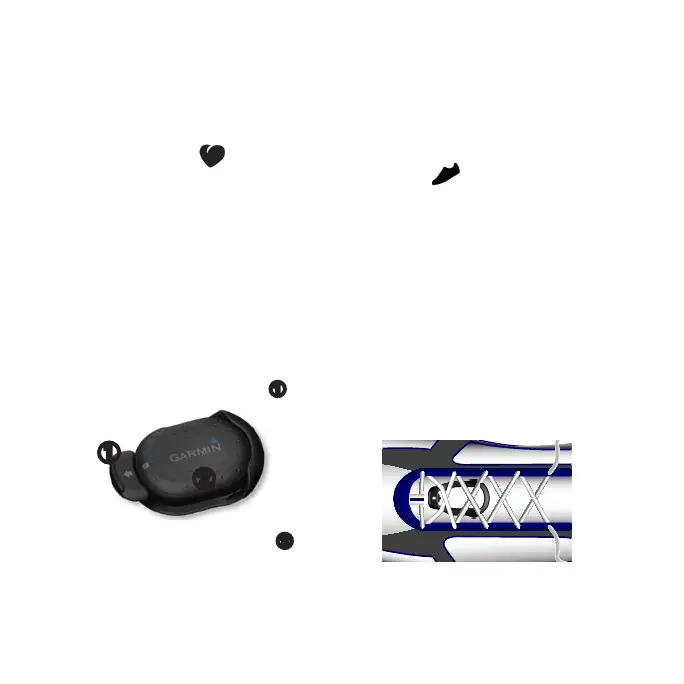
1. Press the tab on the lace clip
➊
.
➊
➋
2. Lift and separate the foot pod
➋
from the lace clip.
3. Install the foot pod on your shoe
laces (page 6) or under your insole
(page 7).
When the foot pod is paired, a message
appears, and appears solid on the
screen.
1. Loosen your shoe laces slightly.
2. Thread the lace clip through two
secure sections of your shoelaces,
allowing enough room at the top to
tie the shoelaces.
The arrow on the foot pod must be
pointed toward the front of your
shoe.















 To Next Page