EasyManua.ls Logo

Garmin Forerunner 910XT - User Manual

Garmin Forerunner 910XT
56 pages
Print Icon
To Next Page IconTo Next Page
Loading...
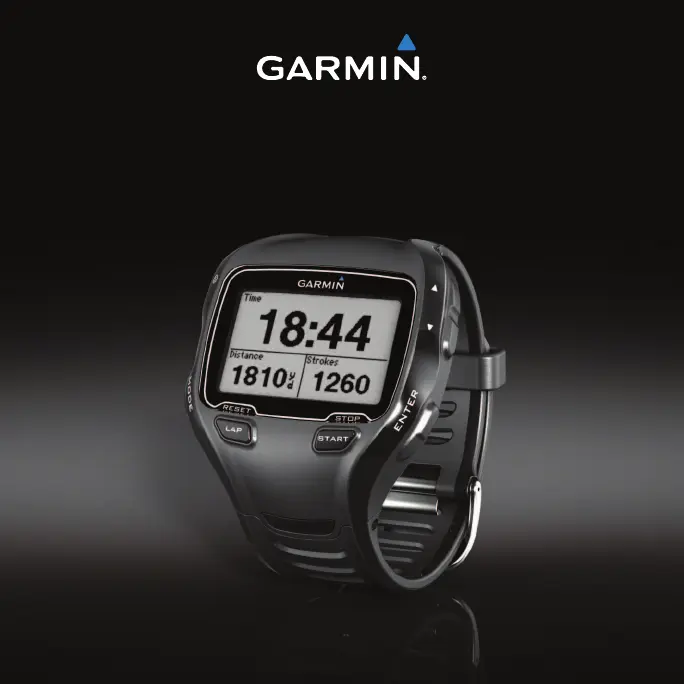
Forerunner
®
910XT
owners manual
October 2011 190-01371-00_0A Printed in Taiwan

Other manuals for Garmin Forerunner 910XT

Questions and Answers

  • C
    Christina PetersonJul 26, 2025
    How to reset Garmin Watch when the keys do not respond?
    • Y
      Yolanda DuncanJul 26, 2025
      To reset your Garmin Watch when the keys do not respond: 1. Hold until the screen goes blank. 2. Hold until the screen turns on. Note: This does not erase any of your data or settings.
  • W
    wagnerjoanneJul 30, 2025
    How to reset Garmin Watch to the original factory settings?
    • M
      Melissa ThompsonJul 30, 2025
      To reset your Garmin Watch to the original factory settings: 1. Hold MODE and ENTER, and then hold . 2. Release , and then release MODE and ENTER.
  • S
    Stacy NguyenAug 3, 2025
    How to clear all user data from Garmin Forerunner 910XT Watch?
    • M
      Michael BallAug 3, 2025
      To clear all user data from your Garmin Watch: Note: This deletes all user-entered information, but it does not delete your history. 1. Turn off the device. 2. While holding MODE, turn the device on. 3. Select Yes.
  • A
    Alison MclaughlinAug 7, 2025
    Why is the heart rate data inaccurate on my Garmin Watch?
    • W
      williamperkinsAug 7, 2025
      Inaccurate or erratic heart rate data on your Garmin Watch can occur for several reasons: * Ensure the heart rate monitor is snug against your body. * Warm up for 5–10 minutes. * Reapply moisture to the electrodes using water, saliva, or electrode gel. * Clean the electrodes, as dirt and sweat residue can interfere with signals. * Wear a cotton shirt or wet your shirt, if appropriate, to avoid static electricity from synthetic fabrics. * Move away from strong electromagnetic fields and some 2.4 GHz wireless sensors, such as high-voltage power lines, electric motors, microwave ovens, cordless phones, and wireless LAN access points.
  • S
    Sandra DavisAug 12, 2025
    What to do if some data is missing from Garmin Forerunner 910XT Watch history?
    • R
      robinespinozaAug 12, 2025
      If some of your data is missing from the history on your Garmin Watch, it may be because the device memory is full and your oldest data has been overwritten. To avoid losing data, transfer it to your computer regularly.
  • J
    Jody HutchinsonAug 16, 2025
    How to fix Garmin Forerunner 910XT if it does not locate satellite signals?
    • A
      Abigail ThomasAug 17, 2025
      If your Garmin Watch is not locating satellite signals: 1. Take your device out of parking garages and away from tall buildings and trees. 2. Remain stationary for several minutes.
  • H
    Heidi JuarezAug 20, 2025
    What to do if I changed the battery in my Garmin Forerunner 910XT Watch accessory?
    • J
      jameswarrenAug 20, 2025
      If you changed the battery in your Garmin Watch accessory, you must pair the sensor to your Forerunner again.

Summary

Introduction

Getting Started and Charging

Initial setup steps and instructions for charging the device.

Device Operation

Device Controls and Indicators

Device Keys and Icons

Explains the function of each button and the meaning of screen icons.

Training Basics

Workouts and History

Saving Runs and Multisport Workouts

How to save activities and set up multisport workouts.

Training Alerts

Setting Up Alerts

Configuring time, distance, calorie, and advanced training alerts.

Activity Automation and Virtual Training

Virtual Racer

Advanced Training Workouts

Custom Workouts

Creating Custom Workouts

Step-by-step guide to building custom training routines.

Workout and Course Management

Specialized Training Modes

Swim Features

Open Water and Pool Swimming

Using the device for open water and pool swimming activities.

ANT+ Sensor Pairing

Pairing ANT+ Sensors and HR Monitor

Steps to connect ANT+ sensors and the heart rate monitor.

Heart Rate Setup

HR Monitor Placement and Zone Settings

Wearing the HR monitor correctly and configuring heart rate zones.

Foot Pod Calibration

Calibrating the Foot Pod

Methods for calibrating the foot pod by distance, GPS, or manually.

Bike Sensors

Power Meters and Zones

Calibrating Power Meters and Setting Zones

Calibrating power meters and configuring power zones.

Accessory Integration

Activity History

History Management

Garmin Connect and Navigation

Navigation Features

Navigation Tools

Customizing Your Device

User Profile and Training Metrics

Data Fields Customization

Device Specifications

Heart Rate Monitor Battery

Replacing the HR Monitor Battery

Steps to replace the battery in the heart rate monitor.

Forerunner Troubleshooting

Satellite Signal and Reset Issues

Troubleshooting GPS signal and performing factory resets.

ANT+ Sensor Troubleshooting

Heart Rate Zone Calculations

Garmin Forerunner 910XT Specifications

General IconGeneral
Display size (HxV) (imperial)0.8 x 1.3 \
WaterproofYes
Product colorBlack
Waterproof up to50 m
Market positioningSport watch
Protection featuresWater resistant
Built-in distance meterNo
Heart rate data transferAnt
Lap history1000
Number of waypoints100
Battery life20 h
Display resolution160 x 100 pixels
Weight and Dimensions IconWeight and Dimensions
Weight72 g
Dimensions (WxDxH)54 x 15 x 61 mm

Related product manuals