32 Navigation
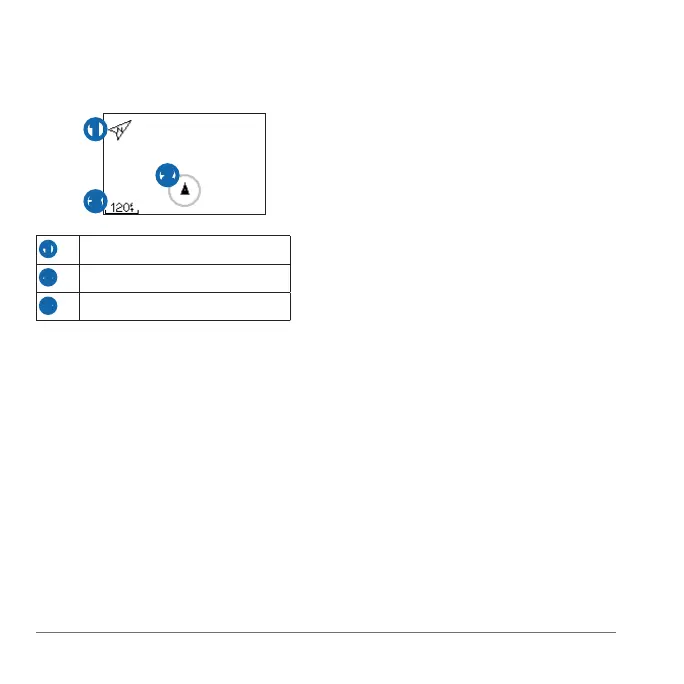
Select ▲ or ▼ to zoom in or out on
the map.
➊
➋
➌
➊
Points to North
➋
Your current location
➌
Zoom level
A location is any point that you store
in memory. If you want to remember
landmarks or return to a certain spot, you
can mark a location. The location appears
on the map with a name and a symbol.
You can nd, view, and go to locations at
any time.
Go to the place where you want to
mark a location.
Select > >
.
Enter a name in the top eld.
Select .
Select > >
.
Enter the coordinates in the
eld.
Select .
Select > >
.
Select a location.
Select .
When you are navigating to a
location, the map and compass are
automatically added to the page loop.
Select .
Select to view the map.
Follow the line on the map to the
location.















 To Next Page