Navigation 33
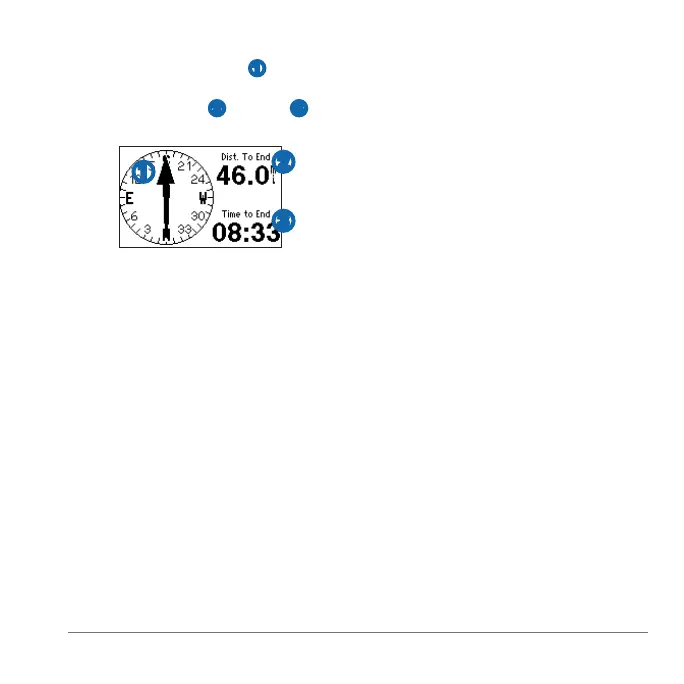
On the compass, the arrow
➊ points
toward the location. The compass also
displays the distance
➋ and time ➌ to
the location.
➊
➋
➌
Select > >
.
Select a location.
Edit the information or select .
Before you can navigate to your starting
location, you must be training with GPS,
and you must start the timer.
At any point during your run, you can
return to your starting point.
During your run, select >
> .
: If you are using every second
recording (page 34), it may take
several seconds to determine your
starting location.
The map appears. A line appears on
the map from your current location to
your starting point.
Select > >
.
Select > > .
The satellite strength information
appears. The black bars represent
the strength of each satellite signal
received (the number of the satellite
appears below each bar).
Select ▲ or ▼ to view the satellite
page.
The satellite page displays information
about the GPS signals the Forerunner
is currently receiving.
For more information about GPS, go to
www.garmin.com/aboutGPS.















 To Next Page