44 Appendix
Do not use a sharp object to remove
user-replaceable batteries.
Contact your local waste disposal
department to properly recycle the
batteries. Perchlorate Material – special
handling may apply. See www.dtsc
.ca.gov/hazardouswaste/perchlorate.
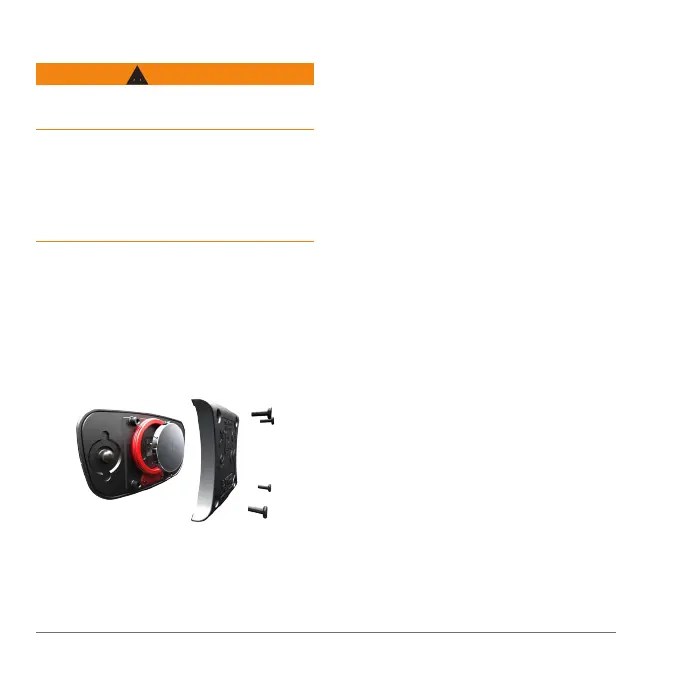
Use a small Phillips screwdriver to
remove the four screws on the back of
the module.
Remove the cover and battery.
Wait 30 seconds.
Insert the new battery with the positive
side facing up.
: Do not damage or lose the
O-ring gasket.
Replace the back cover and the four
screws.
After you replace the heart rate monitor
battery, you must pair it with the device
again (page 22).
Help us better support you by completing
our online registration today.
• Go to http://my.garmin.com.
• Keep the original sales receipt, or a
photocopy, in a safe place.















 To Next Page