30 History
• Select to view interval
details.
Select ▲ or ▼ to scroll through laps.
Select > > .
Select a sport.
Select > >
.
Select > > >
.
Use ▲ and ▼ to select an activity.
Select .
Select > > >
.
Select to delete activities older
than one month.
Garmin Connect is web-based software
for storing and analyzing your data.
Go to www.garminconnect.com.
Select .
Follow the on-screen instructions.
You must have a Garmin Connect
account, and you must pair the
Forerunner with your computer using the
USB ANT Stick
(page 30).
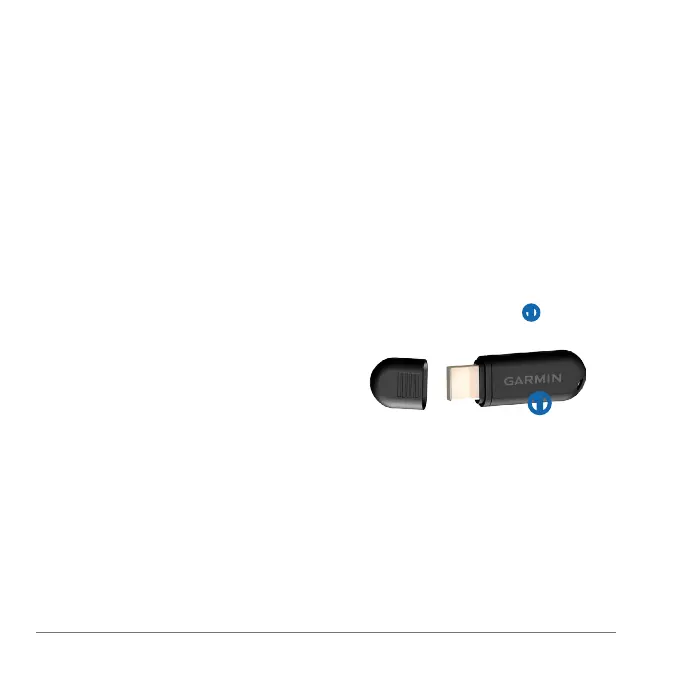
Plug the USB ANT Stick ➊ into a USB
port on your computer.
➊
Bring your device within range
(3 m) of your computer.
When the ANT Agent nds your
device, the ANT Agent displays the
unit ID and asks you if you want to
pair.
Select .
Follow the on-screen instructions.















 To Next Page