Training with Your Forerunner 9
If necessary, select
to record transition time
separately from the sport segments.
Select > .
➊
➋
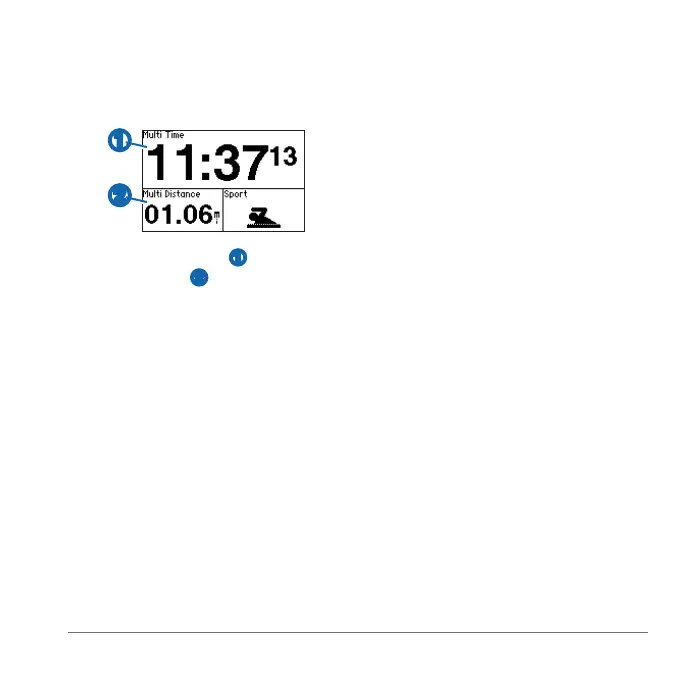
Your total event time ➊ and total
event distance
➋ appear on the rst
page in the training page loop. You
can use ▲ and ▼ to view additional
training pages for each sport segment.
Select when you complete a
segment or transition.
• Select > >
.
• Select , and hold .
: Alerts do not function during
interval or custom workouts.
You can use alerts to train toward specic
time, distance, calorie, heart rate, cadence
and power goals.
: To turn on alert tones and
vibrations, see page 34.
: Calorie alerts are not available in
swim mode.
Select > >
.
Select , , or
.
Select .
Select , and enter a time,
distance, or calorie amount.
Each time you reach the alert amount, the
device beeps or vibrates and displays a
message.
If you have an optional heart rate monitor,
foot pod, GSC
™
10, or power meter, you
can set up advanced alerts for heart rate,
cadence, and power.















 To Next Page