Forerunner 210 Owner’s Manual 19
Appendix
2. Plug the AC adapter into a standard
wall outlet.
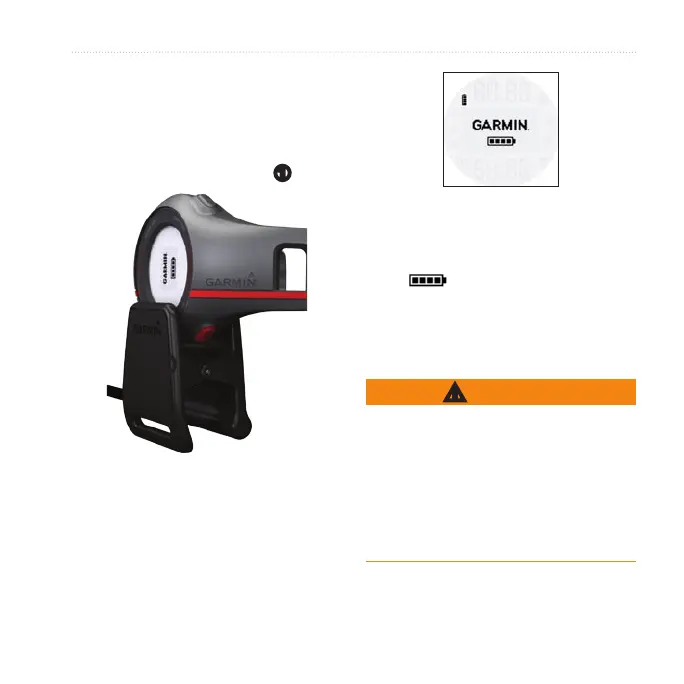
3. Align all four contacts on the back
of the Forerunner with the four
posts on the charging clip
➊
.
➊
When you connect the Forerunner
to a power source, the Forerunner
turns on, and the charging screen
appears.
4. Charge the Forerunner completely.
When the Forerunner is fully charged,
the animated battery on the screen is
solid ( ).
Heart Rate Monitor and
Foot Pod Batteries
WARNING
Do not use a sharp object to remove
user-replaceable batteries. Contact
your local waste disposal department
to properly recycle the batteries.
Perchlorate Material – special handling
may apply. See www.dtsc.ca.gov
/hazardouswaste/perchlorate.















 To Next Page