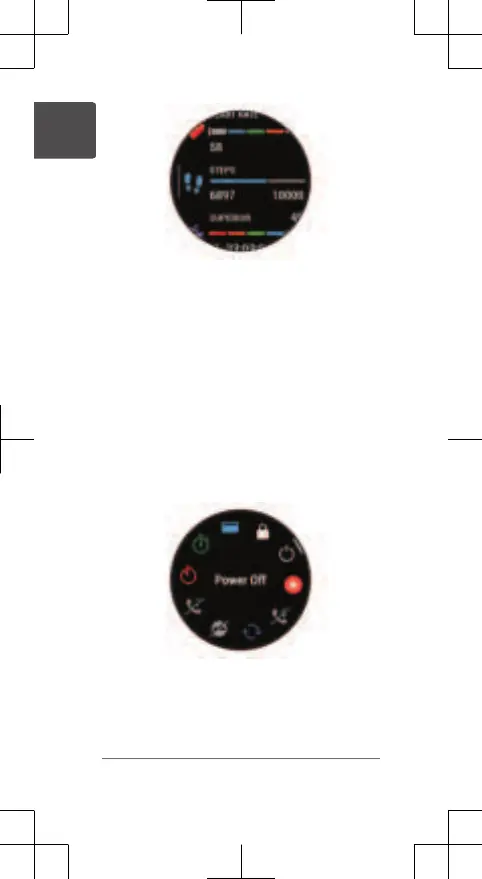
2 Press START to view more information.
3 Select an option:
• Press DOWN to view details about a
glance.
• Press START to view additional
options and functions for a glance.
Viewing the Controls Menu
The controls menu contains options, such as
the stopwatch, locating your connected phone,
and turning the watch off. You can also open
the GarminPay
™
wallet.
1 From any screen, hold LIGHT.
2 Press UP or DOWN to scroll through the
options.
4 Quick Start Manual
EN















 To Next Page