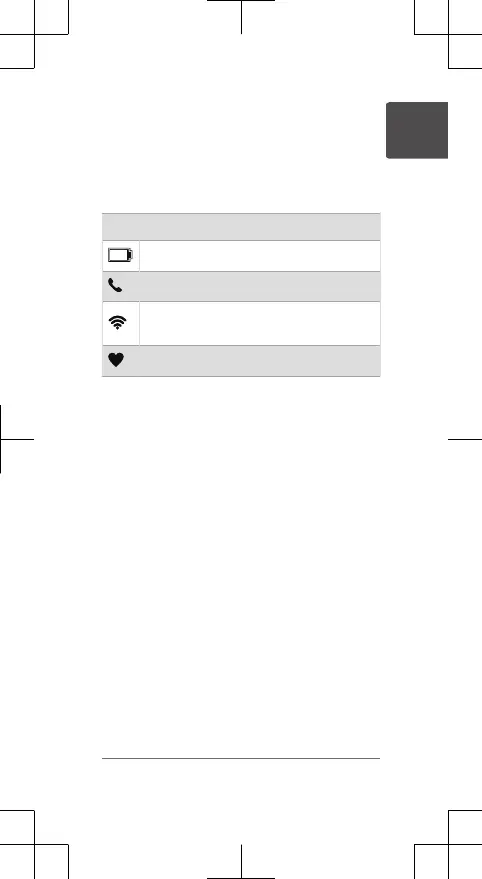
GPS Status and Status Icons
For outdoor activities, the status ring turns
green when GPS is ready. A flashing icon
means the watch is searching for a signal. A
solid icon means the signal was found or the
sensor is connected.
GPS GPS status
Battery status
Phone connection status
Wi‑Fi
®
technology status (
Music
watches only)
Setting Up Your Watch
To take full advantage of the features,
complete these tasks.
• Pair the watch with your phone using
the Garmin Connect
™
app (page5).
• Set up Wi‑Fi networks (page6).
• Set up safety features (page10).
• Set up music (page11).
• Set up your GarminPay wallet (page9).
Pairing Your Phone
To use the connected features on your watch,
you must pair it directly through the Garmin
Connect app, instead of from the Bluetooth
®
settings on your phone.
1 From the app store on your phone, install
and open the Garmin Connect app.
Quick Start Manual 5
EN















 To Next Page