➌
lap/reset/-
Press to create a new lap.
Press and hold to save your
workout in Train mode.
Press to decrease the value for
settings.
➍
start/stop/+
Press to start or stop the timer.
Press and hold to customize
settings.
Press to increase the value for
settings.
Forerunner Backlight
Press and hold view to turn on the
backlight for 5 seconds. Extend the
backlight for 5 more seconds by
pressing any button.
•
•
•
•
•
•
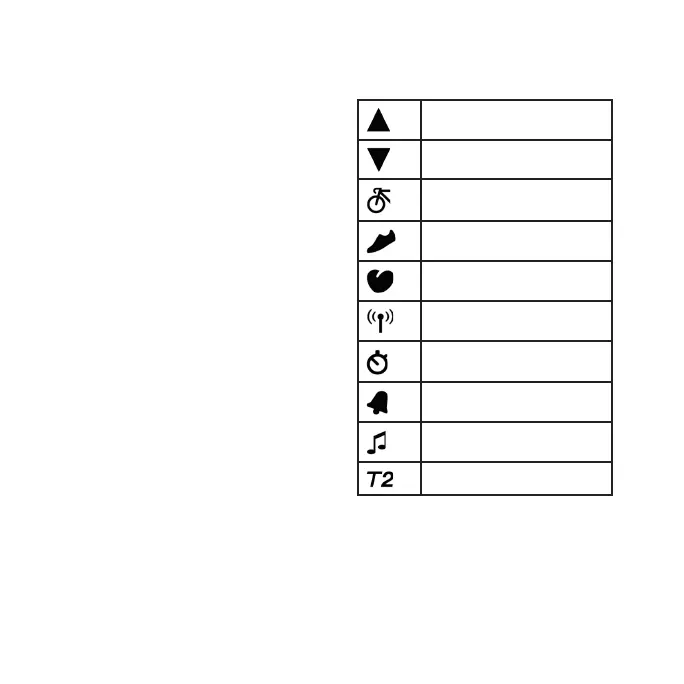
Icons
Above high zone setting
Below low zone setting
Bike sensor active
Foot pod sensor active
Heart rate sensor active
Data uploading
Interval timer mode
Alarm on
Chime on
Second time zone















 To Next Page