place during your run.
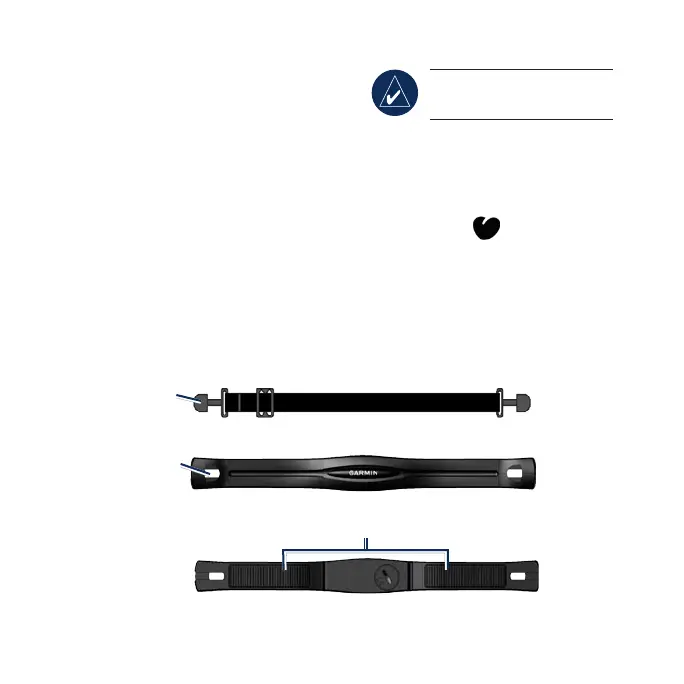
1. Push one tab on the strap
through the slot in the heart rate
monitor. Press the tab down.
2. Wet both sensors on the back
of the heart rate monitor to
create a strong connection
between your chest and the
transmitter.
3. Wrap the strap around your
chest and attach it to the other
side of the heart rate monitor.
NOTE: The Garmin logo
should be right-side up.
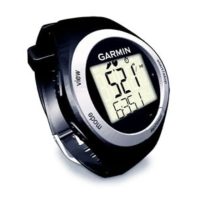
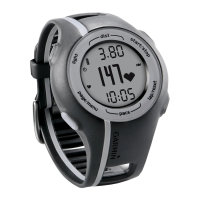
4. Bring the Forerunner within
range (3 m) of the heart rate
monitor.
5. Press
mode to access Train
mode. The heart rate icon
appears on the Train page.
6. Press
view to advance to the
HEART data page.
Heart Rate Monitor (Front)
Slot
Heart Rate Monitor (Back)
Sensors
Tab
Heart Rate Monitor Strap


 To Next Page