Forerunner 610 Owner’s Manual 29
History
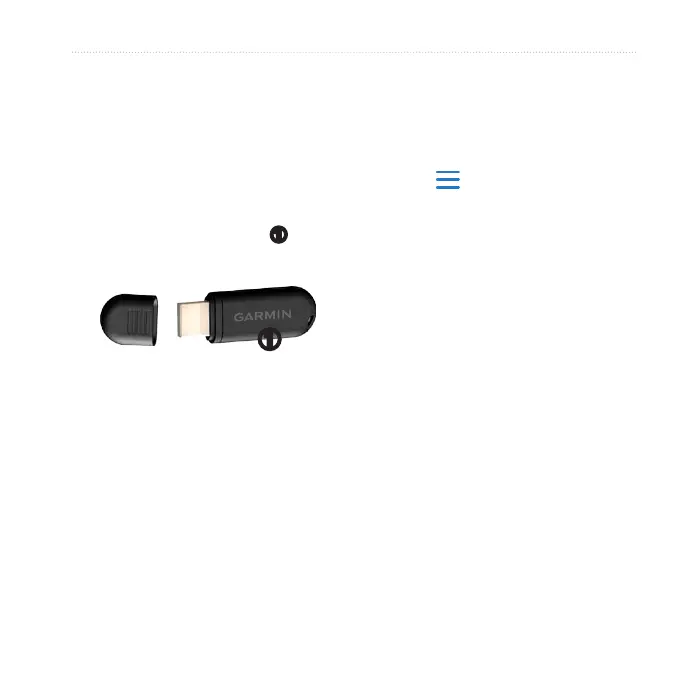
Before you can wirelessly send an
activity to your device, you must pair
the Forerunner with your computer
using the USB ANT Stick (page 28).
1. Plug the USB ANT Stick
➊
into a
USB port on your computer.
➊
2. Bring your device within range
(3 m) of your computer.
When the ANT Agent nds your
device, the ANT Agent displays the
unit ID and asks you if you want
to pair.
3. Select Yes.
4. Follow the on-screen instructions.
You can prevent transferring data to
or from any computer, even a paired
computer.
Select > Setup > System >
Data Transfer > Data Transfer
> Off.













 To Next Page