Forerunner 610 Owner’s Manual 35
Settings
6. Select ◄.
7. Select a data eld to change it.
8. Select a category and a data eld.
For example, select Heart Rate >
HR - Lap.
Data elds with the * symbol display
statute or metric units. Data elds with
the ** symbol require an ANT+ sensor.
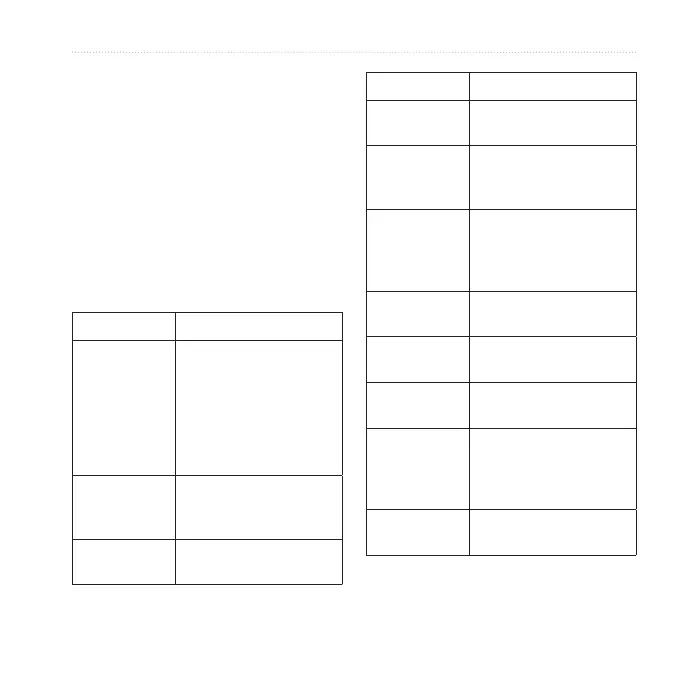
Cadence ** For running, cadence
is measured in steps
per minute (spm). For
cycling, cadence is
measured in revolutions
of the crank arm per
minute (rpm).
Cadence –
Average **
Average cadence for the
duration of your current
activity.
Cadence –
Lap **
Average cadence for the
current lap.
Calories Amount of total calories
burned.
Calories - Fat Amount of fat calories
burned. Requires a New
Leaf
®
assessment.
Calories to Go During a workout, the
remaining calories when
the step duration is a
calorie amount.
Distance * Distance traveled for the
current activity.
Distance –
Lap *
Distance traveled in the
current lap.
Distance –
Last Lap *
Distance of the last
completed lap.
Distance to
Go *
During a workout, the
remaining distance when
the step duration is a
distance amount.
Elevation * Distance above or below
sea level.













 To Next Page