EasyManua.ls Logo

Garmin Forerunner 620 - Attaching the Heart Rate Monitor (HRM); Run Summary: Start, Stop, Save and View

Garmin Forerunner 620
24 pages
Print Icon
To Next Page IconTo Next Page
To Previous Page IconTo Previous Page
Loading...
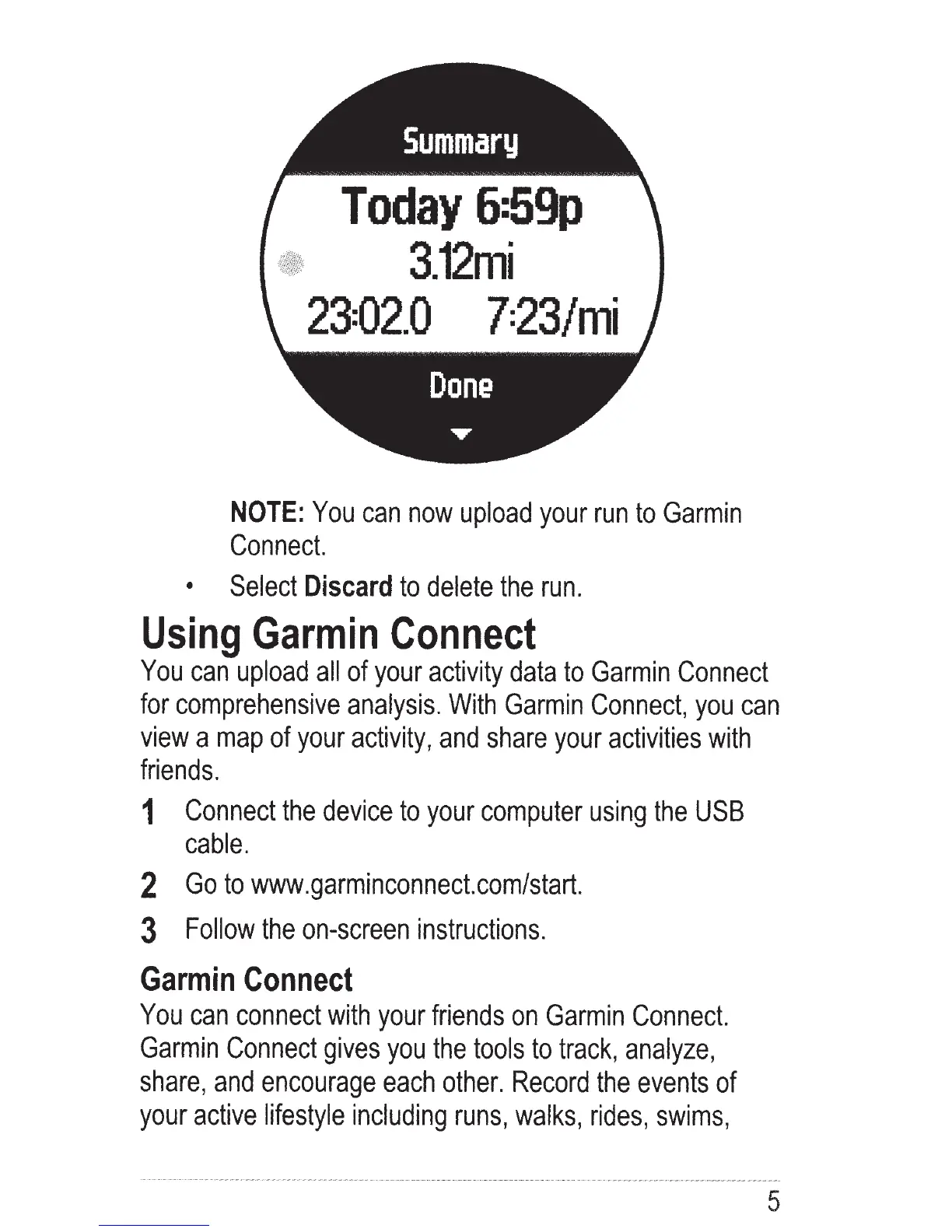
Today
6:59p
3.12mi
23=02.0
7=23/mi
NOTE:
You
can
now
upload
your
run
to
Garmin
Connect.
Select
Discard
to
delete
the
run.
Using
Garmin
Connect
You
can
upload
all
of
your
activity
data
to
Garmin
Connect
for
comprehensive
analysis.
With
Garmin
Connect,
you
can
view
a
map
of
your
activity,
and
share
your
activities
with
friends.
1
Connect
the
device
to
your
computer
using
the
USB
cable.
2
Go
to
www.garminconnect.com/start.
3
Follow
the
on-screen
instructions.
Garmin
Connect
You
can
connect
with
your
friends
on
Garmin
Connect.
Garmin
Connect
gives
you
the
tools
to
track,
analyze,
share,
and
encourage
each
other.
Record
the
events
of
your
active
lifestyle
including
runs,
walks,
rides,
swims,
5

Other manuals for Garmin Forerunner 620

Related product manuals