EasyManua.ls Logo

Garmin Forerunner 620 - Chapter 1: Basic Setup; Charging the Device; Turning the Device On; Basic Settings Configuration

Garmin Forerunner 620
24 pages
Print Icon
To Next Page IconTo Next Page
To Previous Page IconTo Previous Page
Loading...
Going
for
a
Run
The
device
comes
partially
charged.
You
may
need
to
charge
the
device
(page
9)
before
going
for
a
run.
1
Hold
6
to
turn
on
the
device.
2
From
the
time
of
day
screen,
select
any
key
(except
v
),
and
tap the
touchscreen
to
unlock
the
device.
3
Go
outside,
and
wait
while
the
device
locates
satellites.
It
may
take
a
few
minutes
to
locate
satellite
signals
.
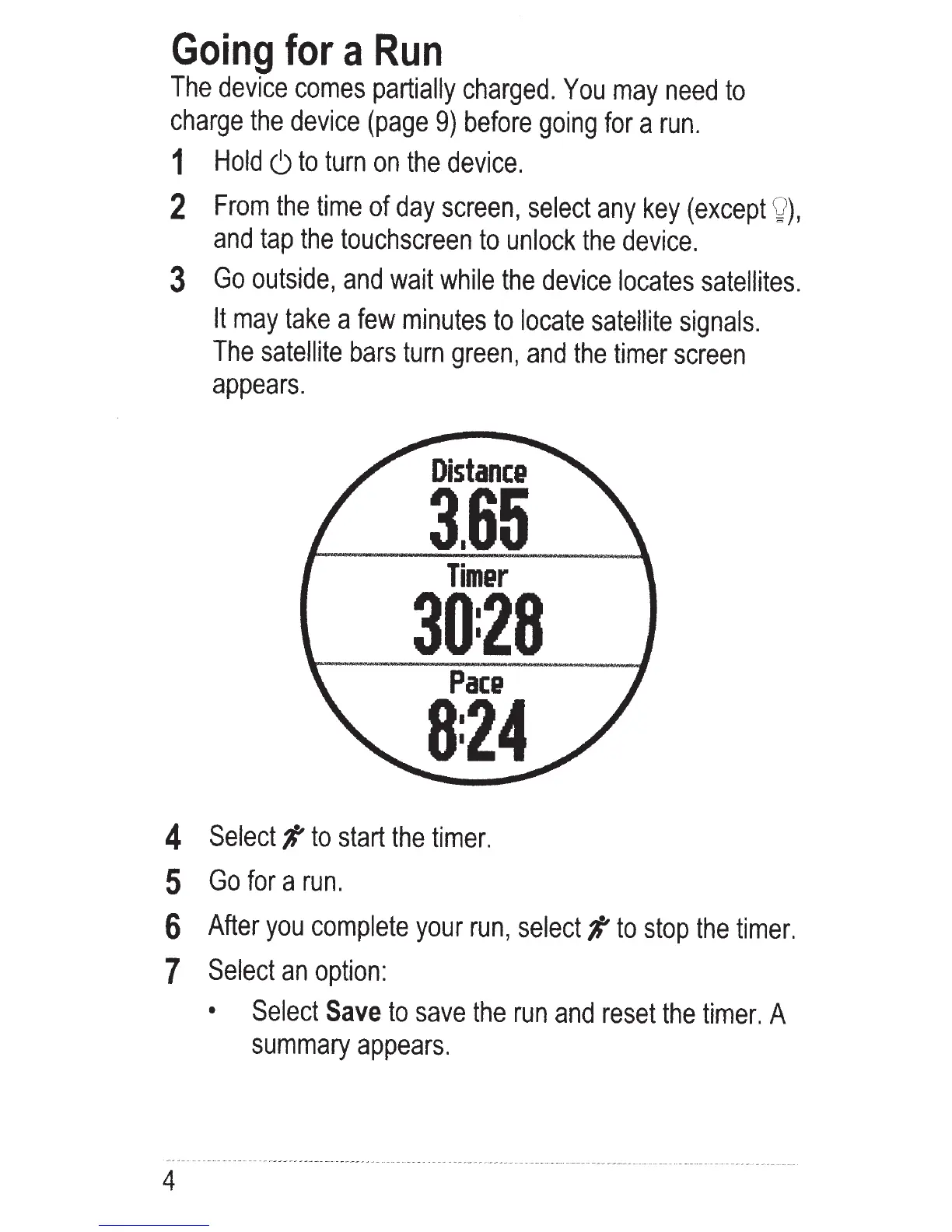
The
satellite
bars
turn
green,
and
the
timer
screen
appears.
Distanc&
3.65
Tim&r
30:28
Pace
8:24
4 Select#
to
start
the
timer.
5
Go
for
a
run.
6
After
you
complete
your
run,
select#
to
stop
the
timer.
7
Select
an
option:
4
Select
Save
to
save
the
run
and
reset
the
timer.
A
summary
appears.

Other manuals for Garmin Forerunner 620

Related product manuals