Forerunner 910XT Quick Start Manual 9
Freestyle
Backstroke
Breaststroke
Buttery
More than one stroke type in
an interval
If you are participating in a triathlon,
you can use to quickly
transition to each sport segment.
Select > >
.
If necessary, select
to record transition time
separately from the sport segments.
Select > .
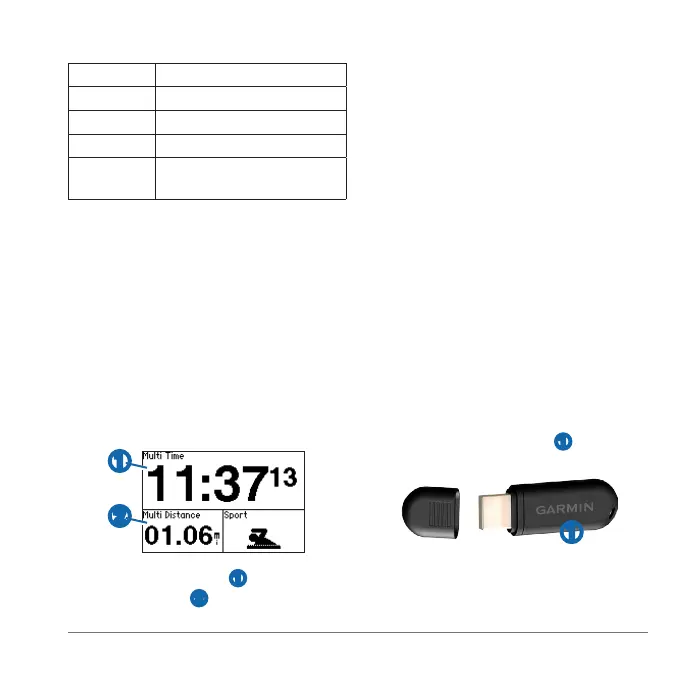
➊
➋
Your total event time ➊ and total
event distance
➋ appear on the rst
page in the training page loop. You
can use ▲ and ▼ to view additional
training pages for each sport segment.
Select when you complete a
segment or transition.
Garmin Connect is web-based software
for storing and analyzing your data.
Go to www.garminconnect.com.
Select .
Follow the on-screen instructions.
Before you can wirelessly send an activity
to your computer, you must pair the
Forerunner with your computer using the
USB ANT Stick
™
.
Plug the USB ANT Stick ➊ into a USB
port on your computer.
➊
Bring your device within range
(3 m) of your computer.















 To Next Page