EN–2
What’s In The Box
Before installing your remote, conrm that your package
includes these items.
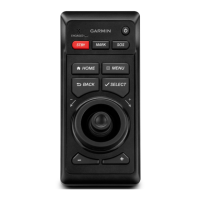
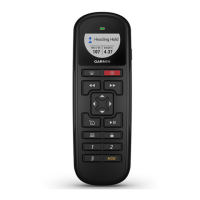
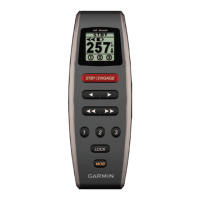
• GHC Remote Control
• Two GHC Remote Control cradles
• Four cradle mounting screws
• Belt clip key
• Belt clip
• Neck lanyard
If any parts are missing, contact your Garmin
®
dealer
immediately.
Contacting Garmin Product Support
Contact Garmin Product Support if you have any questions
about this product.
• In the USA, go to www.garmin.com/support, or contact
Garmin USA by phone at (913) 397.8200 or (800) 800.1020.
• In the UK, contact Garmin (Europe) Ltd. by phone at
0808 2380000.
• In Europe, go to www.garmin.com/support and click
Contact Support for in-country support.
Manual Conventions
In this manual, the GHC is referred to as the device, and the
GHC remote control is referred to as the remote.
Installation
Remote Batteries
The remote requires two AA batteries.
Installing Batteries in the Remote
1
Remove the battery cover by lifting and turning the locking
ring counter-clockwise.
2
Insert the batteries according to the diagram on the remote.





 To Next Page