EN–3
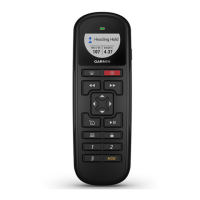
Remote Cradle
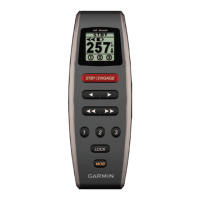
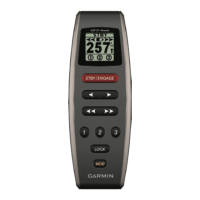
The remote cradle holds the remote, and can either be mounted
on a surface such as the dashboard or connected to a belt clip.
Tools Required
• Phillips screwdriver
• Drill and
1
/
8
in. (3.2 mm) drill bit
Mounting the Cradle
Mount the cradle at least 9.875 in. (250 mm) from a
magnetic compass to avoid interference.
1
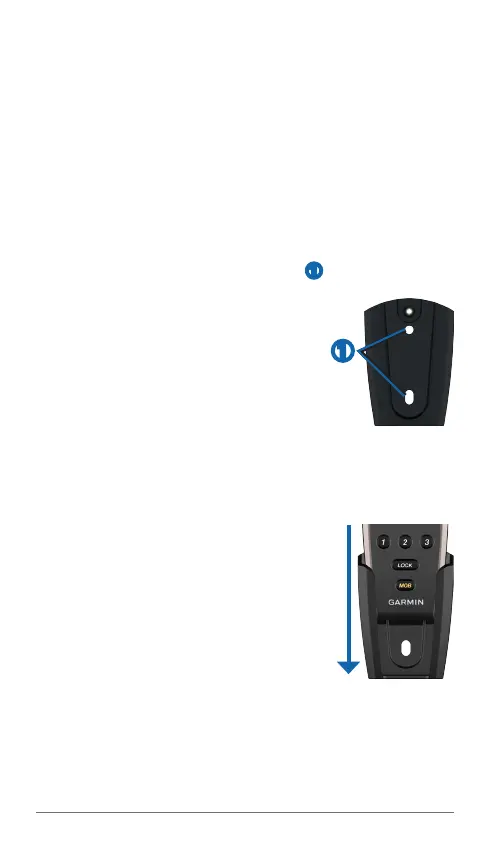
Use the cradle mounting screw holes ➊ as a template to
mark pilot hole locations on the surface on which you will be
mounting the cradle.
: If you are mounting the cradle
in berglass, use a countersink bit to drill
a clearance counterbore through only
the top gel-coat layer. This help to avoid
cracking in the gel-coat layer when the
screws are tightened.
3
Drill
1
/
8
in. (3.2 mm) pilot holes.
4
Use the two included mounting screws to attach the cradle
to the mounting surface.
Inserting the Remote into the Cradle
1
Slide the remote into the top of the cradle.
2
Push the remote into the cradle until you
feel it lock in place.
Removing the Remote from the Cradle
1
Push up on the bottom of the remote to
release it from the cradle.
2
Pull the remote out of the cradle.
Attaching the Belt-Clip Key and Belt Clip
1
Screw the belt-clip key into the back of the cradle.
➊





 To Next Page