EN–4
2
Snap the key into the belt clip or other carrying accessory
(sold separately).
Remote Lanyard
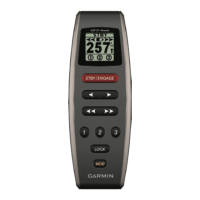
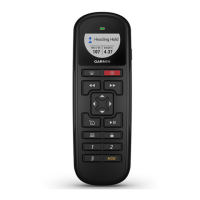
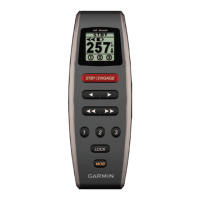
Use the remote lanyard to carry the remote. The remote can be
placed in the cradle with the lanyard installed.
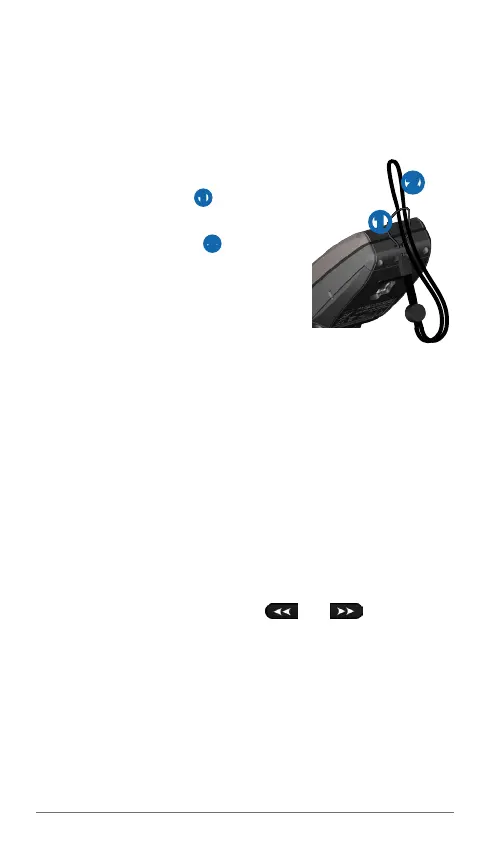
Attaching the Lanyard
1
Thread the thin loop ➊ through the
eyelet on the bottom of the remote.
2
Thread the large loop ➋ through the
thin loop, and pull until it is tight.
Locking and Unlocking the
Remote
When locked, the remote beeps when
you select a key on the remote. The MOB key remains
unlocked at all times (page 7).
Select LOCK.
Initial Setup
Before you can use the remote with a GHC device, you must
pair it with the device. The remote can be used with only one
device.
Pairing the Remote with a GHC
1
On the device, select Menu > Setup > Remote > Search
for Remote > Enabled.
2
On the remote, select and hold and until the
word “PAIRING” appears on the remote screen.
3
When the device displays the message “New Wireless
Remote Found,” select Connect.
The remote is paired with the device.
➊
➋





 To Next Page