EN–5
Programmable Keys
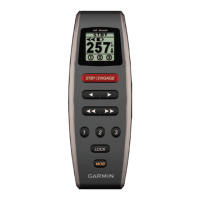
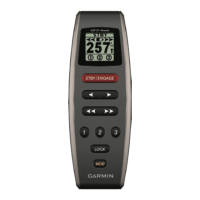
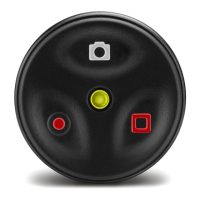
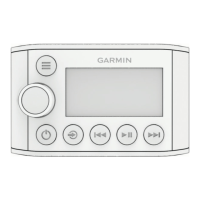
There are three programmable keys ( ) on the remote.
You can assign steering patterns, GPS patterns, or direction
control to each key.
Assigning Functions to the Programmable Keys
Before you can use your remote to control your device, you
must pair the remote with the GHC device
(page 4).
You can use the device to assign patterns or actions to each
programmable key on the remote.
1
On the device, select Menu > Setup > Remote.
2
Select the menu item that corresponds to the key to which
you want to assign a function.
3
Select a steering pattern, GPS pattern, sailboat function, or
direction control.
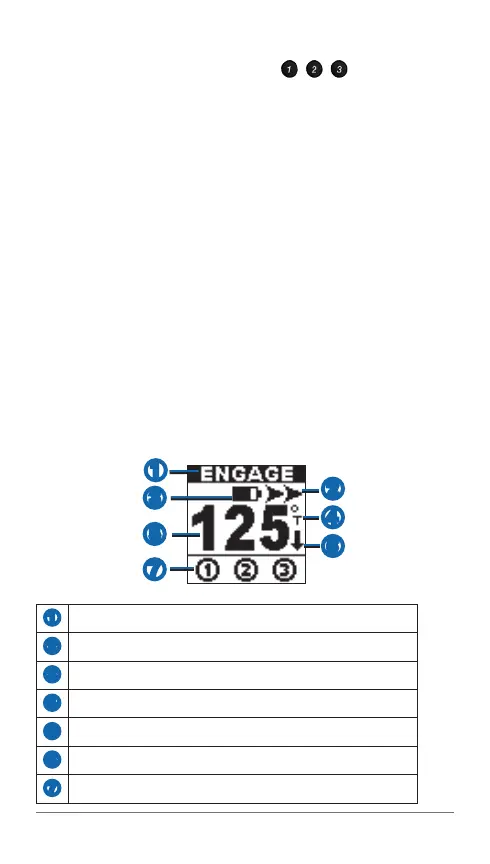
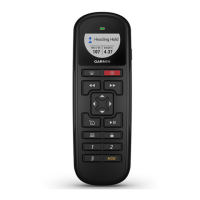
Remote LCD Screen
The screen on the remote provides real-time information about
the device.
➊
➌
➎
➋
➍
➏
➐
➊
Autopilot status
➋
Steering Indicator
➌
Battery level
➍
Heading source (magnetic or true)
➎
Heading
➏
Steering direction indicator (only visible in reverse)
➐
Programmable button status





 To Next Page