EN–6
Remote LCD Screen Tips
• When following a pattern, the symbol associated with the
pattern appears above the heading source.
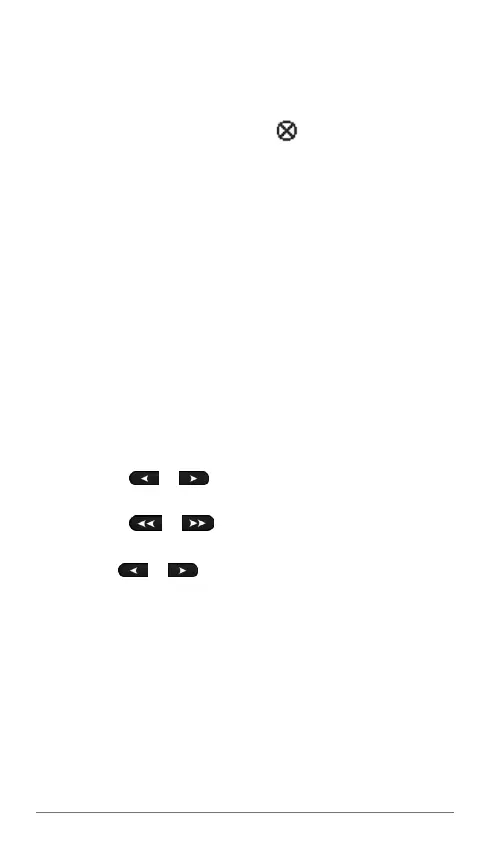
• If the action assigned to a programmable key is not
available, the key is marked with
.
Powerboat Operation
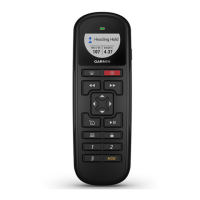
Controlling the Autopilot with the Remote
Before you can use your remote to control your autopilot, you
must pair the remote with the GHC device (page 4).
Engaging and Disengaging Heading Hold
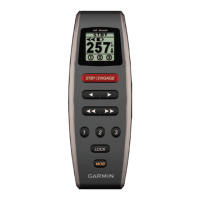
Select STBY/ENGAGE.
Adjusting the Heading
You can manually adjust the heading of the autopilot system
with the arrow keys on the remote. For more information about
manually steering your boat with the autopilot, see the GHC
Owner’s Manual.
Select an option:
• Select
or to manually adjust the heading in
increments of 1°.
• Select
or to manually adjust the heading in
larger increments.
• Hold
or to manually adjust the heading using
rudder steering.
Activating Patterns Assigned to the Programmable
Keys
Before you can activate patterns using the remote, you must
assign patterns to the programmable keys using the GHC
device (page 5).
You can activate the patterns whether the autopilot is engaged
or disengaged.
1
Select the programmable key assigned to the pattern you
want to use.





 To Next Page