2
This product contains a lithium-ion battery.
See page 5 for important battery safety
information.
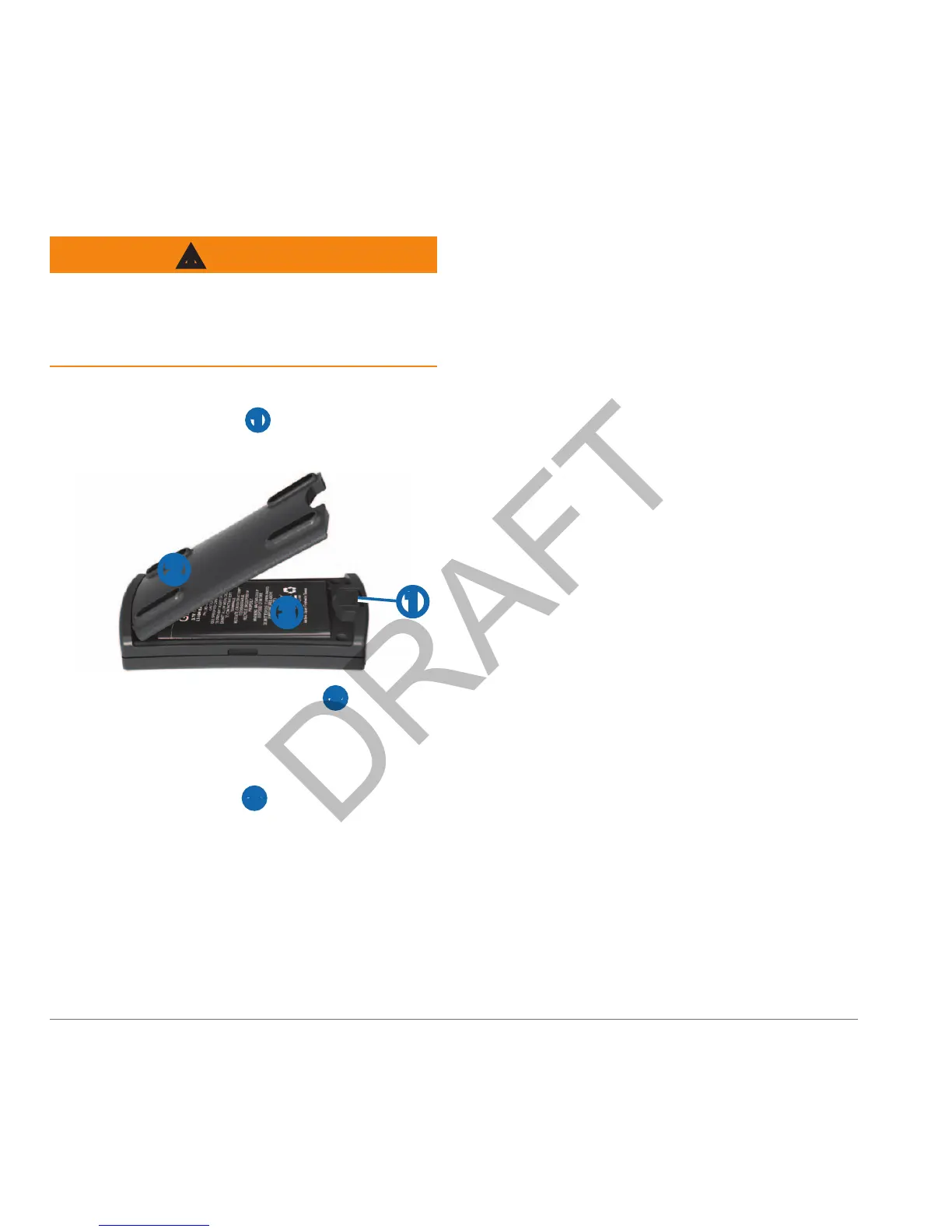
With your thumbnail, slide the battery
cover release tab
➊ toward the end of
the sensor.
➌
➊
➋
Remove the battery cover ➋.
Locate the metal contacts on the end
of the lithium-ion battery.
Insert the battery ➌ so the metal
contacts on the battery align with
the metal contacts inside the battery
compartment.
Press the battery down into place.
Replace the battery cover by inserting
the tabs into the notches and pressing
the battery cover closed.
The release tab locks the cover in
place.
You can purchase a replacement battery
(010-10840-00) at http://buy.garmin.com.
You can use the sensor while you are
charging it.
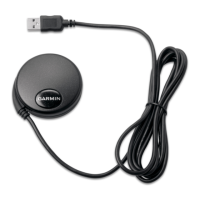
Plug the small end of the power cable
into the mini-USB connector on the
end of the sensor.
Plug the other end of the power cable
into an appropriate source of power for
the cable type.
It takes about three hours to charge the
battery. A fully charged battery lasts about
12 hours.



 To Next Page