8 GPSMAP 198C Sounder Owner’s Manual
BASIC OPERATION > CREATING AND USING WAYPOINTS
Creating and Using Waypoints
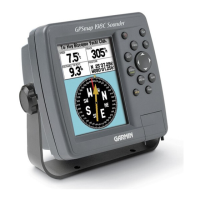
The Garmin GPSMAP 198C Sounder stores up to 3,000
alphanumeric waypoints with a user-defined symbol, comments,
and depth available for each waypoint. Waypoints can be created
using two basic methods:
ENTER/MARK Key—marks your present location, and provides
options to select a map position or map item from the Map
Page. Also, you can enter a new waypoint’s location coordinates
manually.
Graphically—defines a new waypoint location from the Map Page
using the ROCKER.
ENTER/MARK Key
The GPSMAP 198C Sounder’s ENTER/MARK key quickly
captures your present location to create a new waypoint. The unit
must have a valid position (2D or 3D) fix to mark your present
location. You can also use this option to manually enter waypoint
coordinates.
To mark your present position:
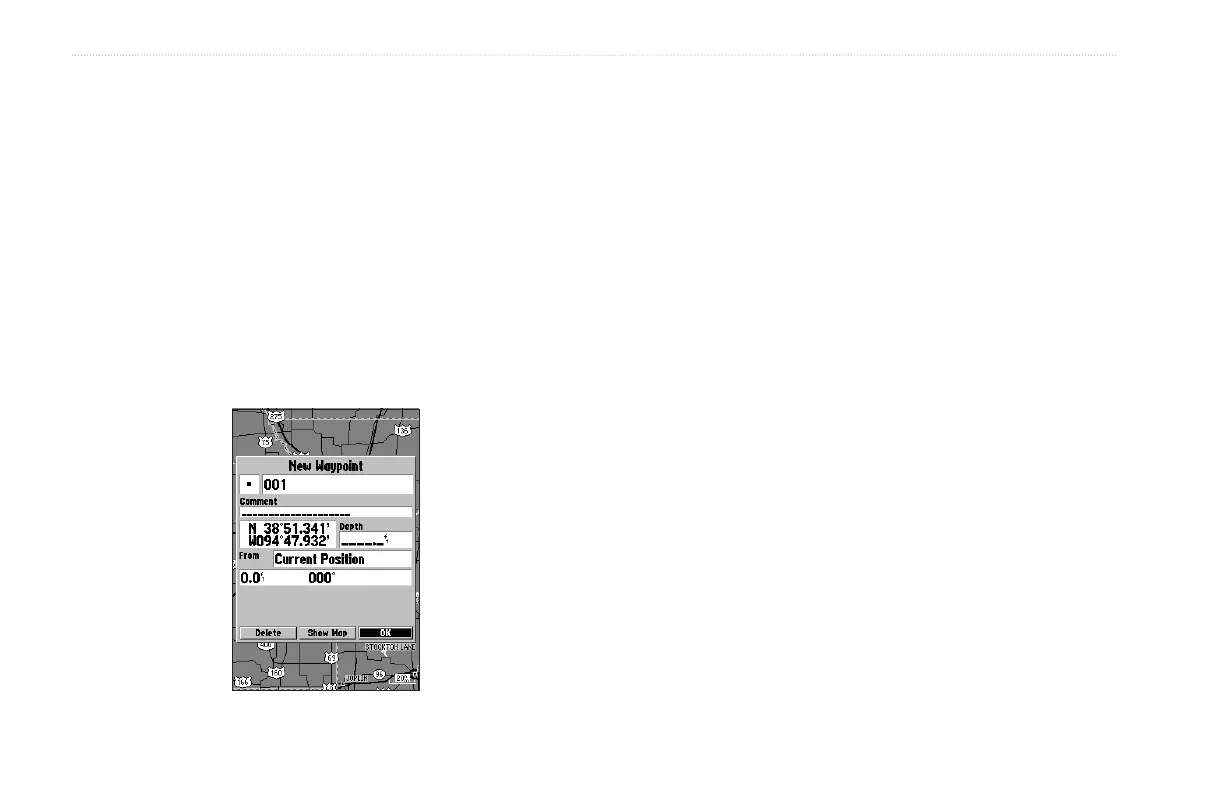
1. Press and hold ENTER/MARK until the New Waypoint
window appears. A default three-digit name and symbol are
created for the new waypoint.
2. To accept the waypoint with the default name and symbol,
highlight OK, and press ENTER/MARK.
3. To enter a different name, highlight the name field, and
press ENTER/MARK. Use the ROCKER to enter the new
letter/numbers, and press ENTER/MARK when finished.
You can use up to 10 characters for the name.
4. To select a different symbol, highlight the symbol field to
the left of the name, and press ENTER/MARK. Use the
ROCKER to highlight the new symbol, and press
ENTER/MARK.


 To Next Page