66 GPSMAP 198C Sounder Owner’s Manual
MAIN MENU > MAP TAB
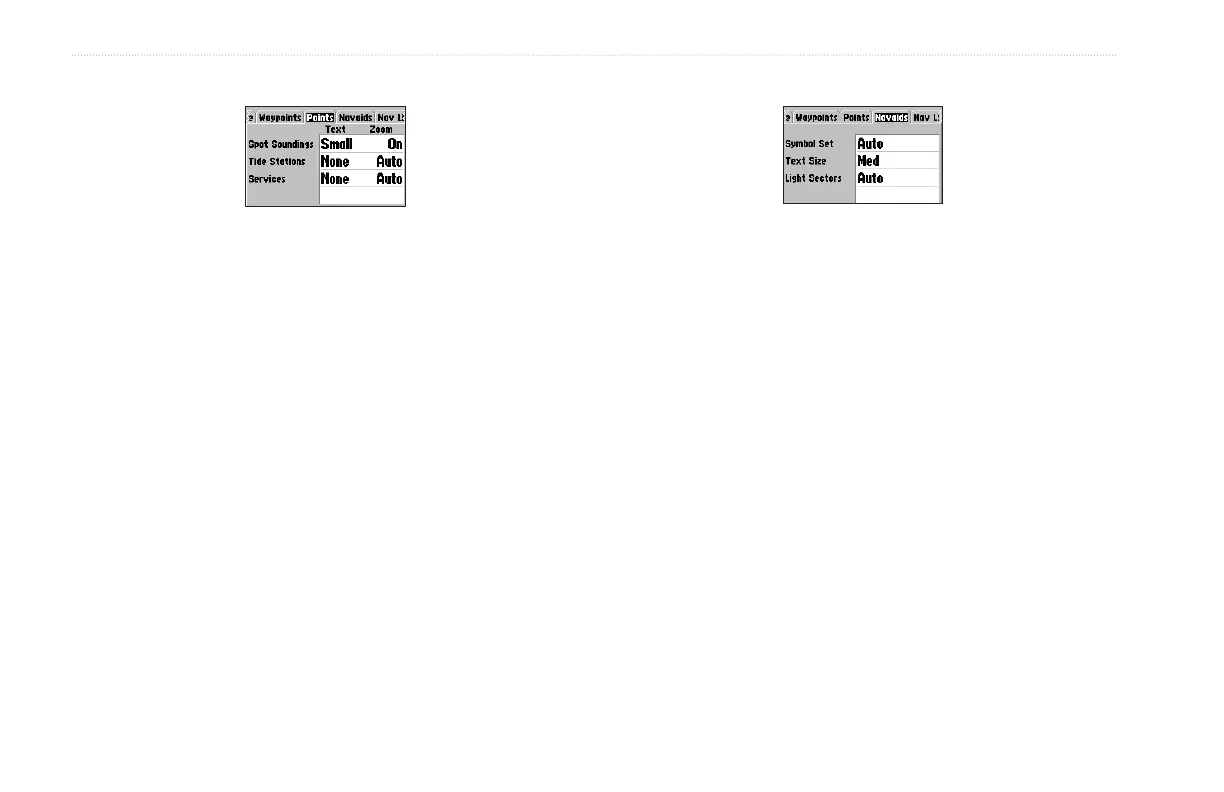
Points Sub Tab
The Spot Soundings, Tide Stations, and Services options each
contain adjustments for Text and Zoom.
• Text—None (except Spot Snd.), Small, Medium, and Large:
controls the screen size of the name.
• Zoom—Auto, Off, 120 ft-800 mi: sets the maximum zoom
range features should appear on the Map Page. Some types
of data only show up to specific zoom ranges.
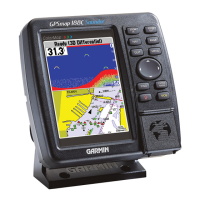
Navaids Sub Tab
• Symbol Set—Auto, Garmin, NOAA, International: controls
a navaid symbol set.
• Text Size—Small, Medium, and Large: controls the screen
size of the name.
• Light Sectors—Off, Auto, On: controls the drawing light
sectors on the map.


 To Next Page