GPSMAP 3005C Owner’s Manual 3
GETTING STARTED > USING THE GPSMAP 3005C KEYPAD
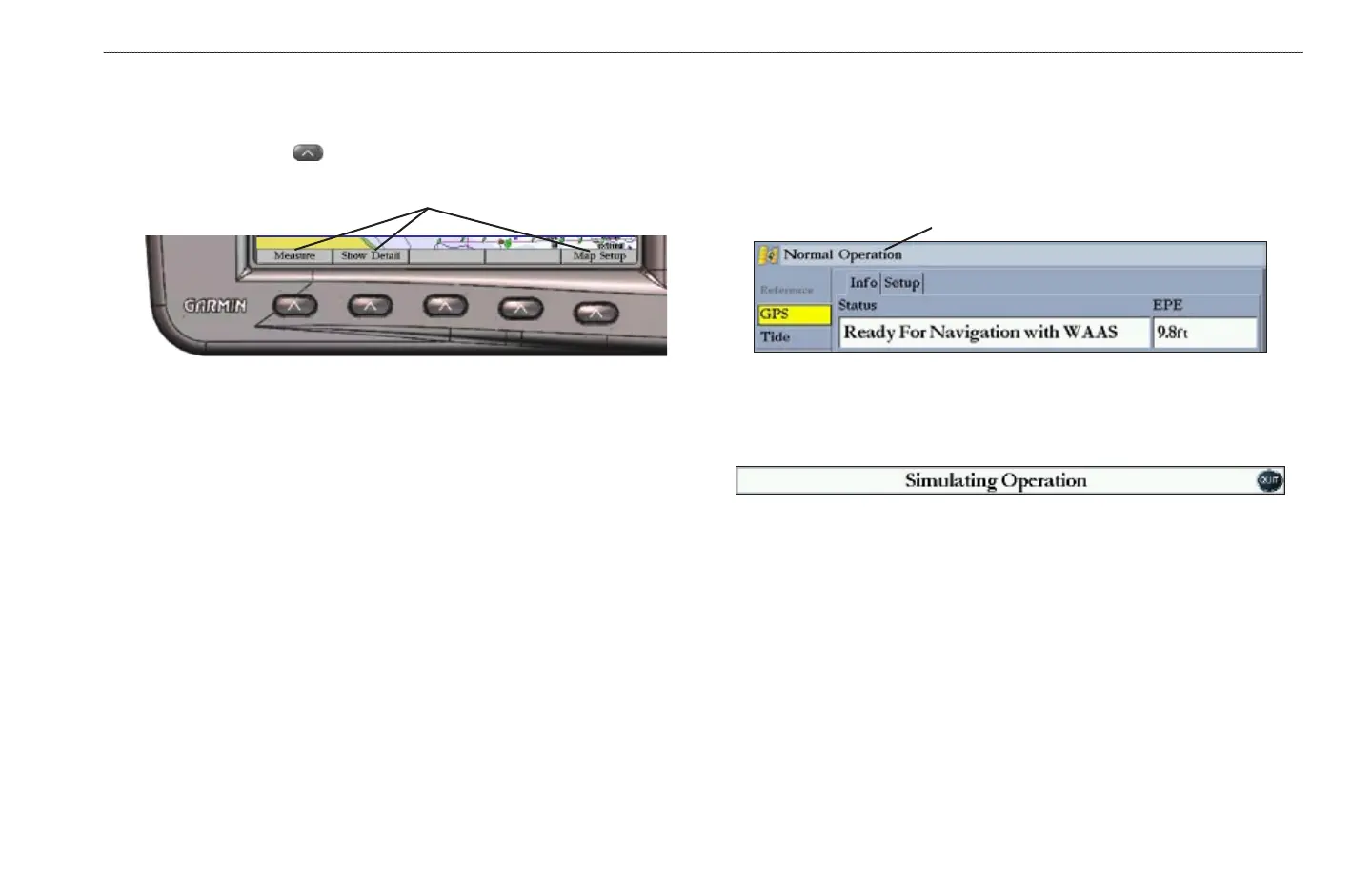
Using Soft Keys
Soft keys are located along the bottom of the screen and are used as shortcuts to
select the most commonly used options for the selected page, window, or tab. To
select a soft key, press the key directly below it.
Soft key options
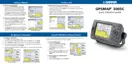
Status Bar
At the top of each page, the status bar provides current status information for
connected devices and several of the MFD functions. As additional devices are
added to the MFD or Garmin Marine Network, an icon for each device appears
on the status bar.
Status bar
Alarm alerts also appear on the status bar. To acknowledge an alarm, press QUIT.
If an alarm condition persists, it appears on the status bar until the alarm condition
no longer exists.
















 To Next Page