38 GPSMAP 3005C Owner’s Manual
MAIN PAGES > MAP SPLIT PAGE AND COMPASS PAGE
Map Split Page
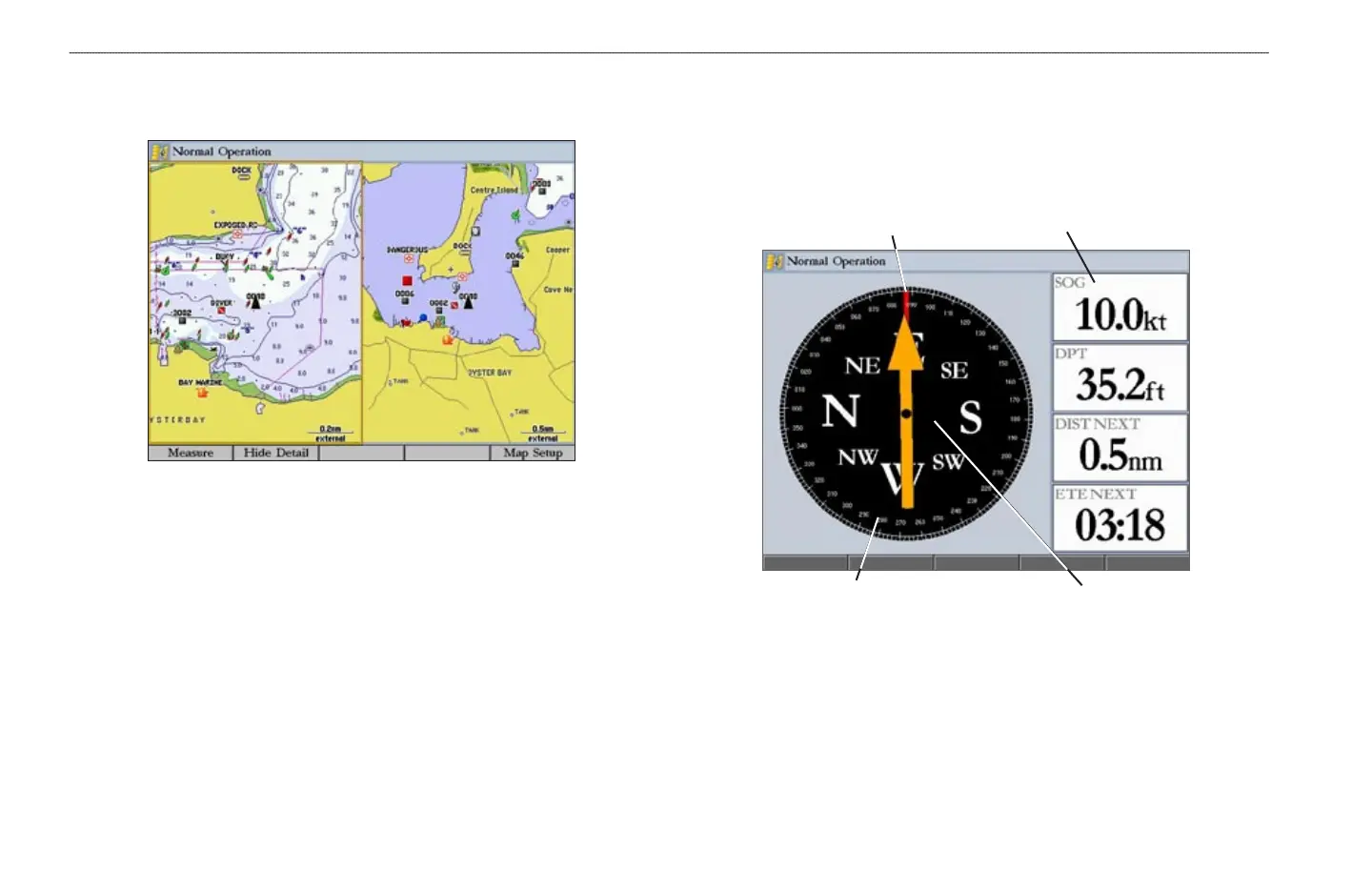
Use the Map Split Page to show two different views of the Map Page.
Compass Page
The GPSMAP 3005C features two different navigation pages: Compass and
Highway. Whenever a NAV Go To, Follow Track, TracBack, or Follow Route are
activated, the Compass Page guides you to your destination with digital readouts
and a compass display, which includes a Bearing Pointer.
Direction of travel (red line)
Data fields
Compass ring
Bearing pointer















 To Next Page