EasyManua.ls Logo

Garmin GPSMAP 702 series - User Manual

Garmin GPSMAP 702 series
83 pages
Print Icon
To Next Page IconTo Next Page
Loading...
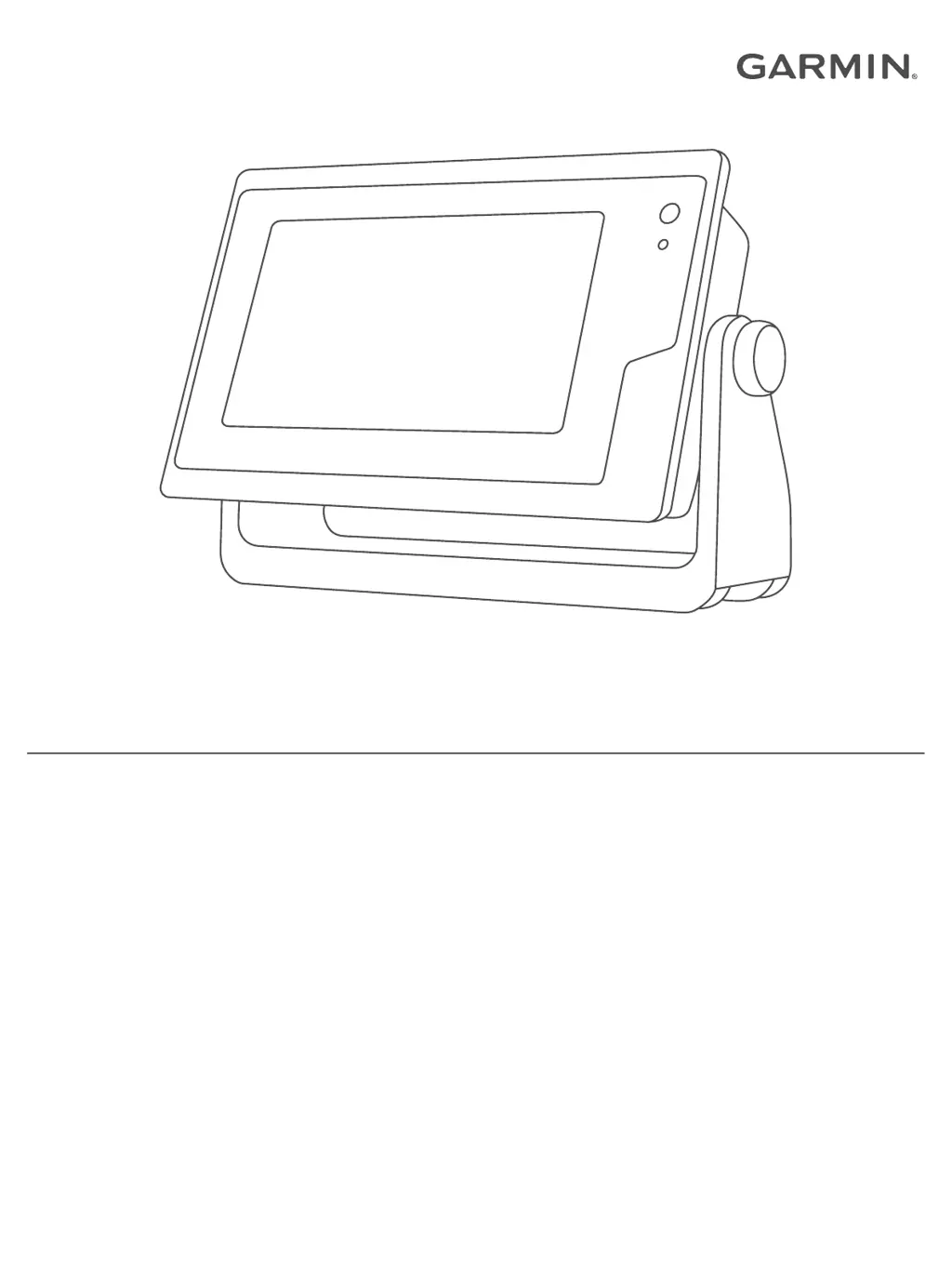
GPSMAP® 702/902 SERIES
Owner’s Manual

Table of Contents

Other manuals for Garmin GPSMAP 702 series

Questions and Answers

  • B
    Brian DickersonAug 2, 2025
    Why does my Garmin GPSMAP 702 keep turning off?
    • L
      lryanAug 2, 2025
      If your Garmin GPS device isn't turning on or keeps turning off, first, ensure the power source is working by checking if other devices connected to it are functioning. Then, inspect the fuse in the power cable, located in the red wire's holder, and confirm it's the correct size according to the cable label or installation instructions. Use a multimeter to check the fuse; a good fuse reads 0 ohm. Also, verify the device receives at least 10V, preferably 12V, by measuring the voltage at the power cable's female power and ground sockets. If the voltage is below 10V, the device won't power on.
  • A
    Andrea WhiteAug 21, 2025
    What to do if my Garmin GPS is not creating waypoints in the correct location?
    • V
      Victor PotterAug 21, 2025
      If your Garmin GPS device is not creating waypoints in the correct location, determine the map datum and position format used when the original waypoint was created. This information might be found in the legend of the original map. Then, navigate to Settings > Preferences > Units on your device and select the correct map datum and position format settings. If necessary, create the waypoint again.
  • A
    Amanda WhiteNov 11, 2025
    How to fix Garmin GPSMAP 702 GPS not acquiring signal?
    • A
      aaroncookNov 11, 2025
      If your Garmin GPS device isn't acquiring GPS signals, and it has moved a significant distance since last acquiring satellites, or has been off for weeks or months, ensure it's running the latest software. Also, ensure the device has an unobstructed view of the sky for the antenna to receive the GPS signal. If mounted inside a cabin, position it near a window. If using an external GPS antenna, verify it's properly connected to the chartplotter or NMEA network, consulting the antenna installation instructions for connection details if needed. For an external GPS antenna connected via the NMEA 2000 network, go to Settings > Communications > NMEA 2000 Setup > Device List to confirm the antenna appears. If not, check the antenna and NMEA 2000 network installation. If multiple GPS antenna sourc...

Summary

Introduction

Using the Touchscreen

Explains basic touch interactions like tapping, swiping, pinching, and spreading.

Inserting Memory Cards

Explains memory card use for maps, sonar recording, and data transfer.

Software Update

Loading the New Software on a Memory Card

Steps to download software onto a memory card using a computer.

Updating the Device Software

Instructions for updating the device software via a memory card.

Communication with Wireless Devices

Wi-Fi Network

Explains how to set up and manage the chartplotter's Wi-Fi network.

Charts and 3 D Chart Views

Navigating to a Point on the Chart

Guides users on how to navigate to a specific point on the chart.

Automatic Identification System

Setting the Safe-Zone Collision Alarm

How to set a collision alarm for AIS and MARPA targets.

Garmin Quickdraw Contours Mapping

Mapping a Body of Water Using the Garmin Quickdraw Contours Feature

Step-by-step guide to recording depth contour data.

Navigation with a Chartplotter

Waypoints

Information on recording, managing, and navigating to waypoints.

Routes

Information on creating, saving, and navigating routes.

Creating and Saving a Route

How to create and save a route with multiple waypoints.

Auto Guidance

Information on the Auto Guidance feature for automatic route plotting.

Setting and Following an Auto Guidance Path

Steps to set a destination and navigate an Auto Guidance path.

Autopilot

Engaging the Autopilot

How to engage the autopilot to steer the boat.

Digital Selective Calling

Navigating to a Vessel in Distress

How to navigate to a vessel that has sent a distress call.

Gauges and Graphs

Setting the Fuel Alarm

How to set an alarm for low fuel levels.

Networked Video Devices

Sharing and Managing User Data

Copying Waypoints, Routes, and Tracks from HomePort to a Chartplotter

How to copy data from HomePort to the chartplotter via a memory card.

Device Configuration

Auto Guidance Path Configurations

Settings for Auto Guidance path calculations like preferred depth.

Communications Settings

Settings for connecting to and configuring communication ports.

System Settings

How to access and configure system-wide settings.

Preferences Settings

How to configure preferences like units, language, and navigation settings.

NMEA 0183 Settings

Settings for configuring NMEA 0183 ports and output sentences.

Navigation Settings

How to configure navigation preferences like route labels and turn transitions.

Communications Settings

NMEA 2000 Settings

Settings for connecting to and configuring NMEA 2000 networks.

Setting Alarms

How to configure various alarms like navigation and sonar alarms.

Navigation Alarms

How to set alarms for arrival, anchor drag, and off course conditions.

Sonar Alarms

How to set alarms for sonar conditions like shallow or deep water.

Setting Alarms

Troubleshooting

My device will not acquire GPS signals

Steps to troubleshoot GPS signal acquisition issues.

My device will not turn on or keeps turning off

Steps to troubleshoot power issues with the device.

My device is not creating waypoints in the correct location

How to fix issues with waypoint creation and location accuracy.

Important Safety and Product Information

Marine Operation Warnings

Warnings about safe vessel operation and using the device as an aid.

Battery Warnings

Warnings related to the device's internal battery.

FCC Compliance

FCC compliance statements regarding interference and regulations.

Limited Warranty

Details of the product's limited warranty terms and conditions.

Garmin GPSMAP 702 series Specifications

General IconGeneral
Display Resolution800 x 480 pixels
GPS ReceiverYes
NMEA 0183Yes
NMEA 2000Yes
Water ratingIPX7
Display Size7 inches
WaterproofYes
Preloaded MapsWorldwide basemap
Battery lifeN/A (Powered by external source)
ConnectivityNMEA 0183, NMEA 2000
ProcessorUnknown
MemoryUnknown

Related product manuals