EN–2 Heart Rate Monitor Instructions
EN
WARNING: See the Important Safety and Product Information in
the Garmin product box for product warnings and other important
information.
Positioning the Heart Rate Monitor
The heart rate monitor is on standby and ready to
send data. Wear the heart rate monitor directly on
your skin, just below your breastplate. It should be
snug enough to stay in place during your run.
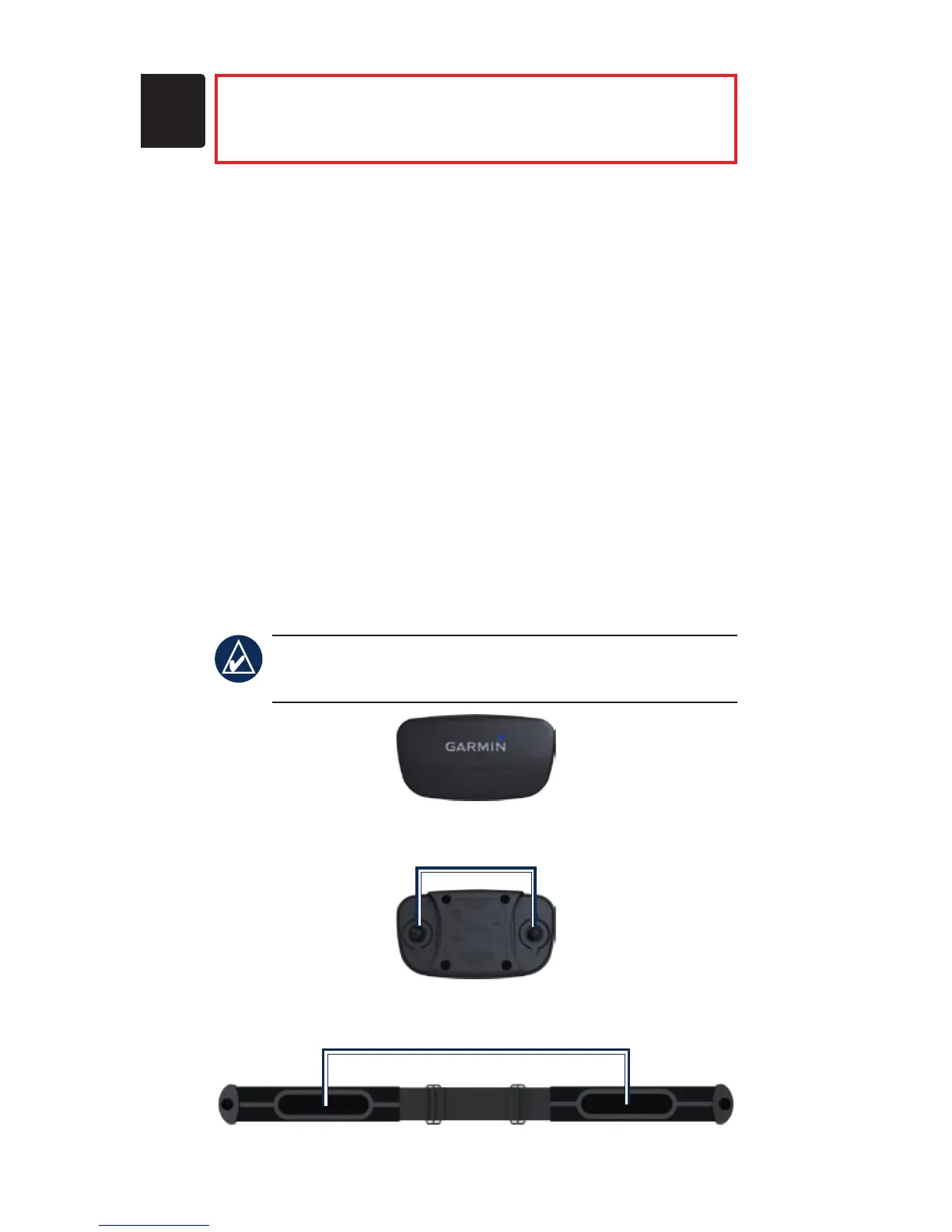
1. Snap one side of the strap to the heart rate
monitor module.
2. Wet both electrodes on the back of the heart
rate monitor strap to create a strong connection
between your chest and the transmitter.
3. Wrap the strap around your chest, and snap it
to the other side of the module.
NOTE: The Garmin logo should be right-side
up.
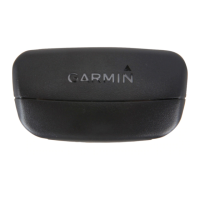
Heart Rate Monitor Module (Front)
Heart Rate Monitor Module (Back)
Snaps
Heart Rate Monitor Strap (Back)
Electrodes


 To Next Page