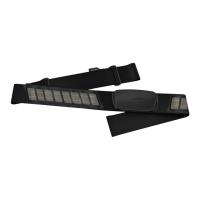
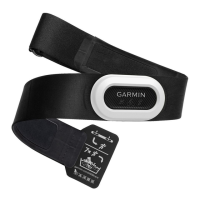
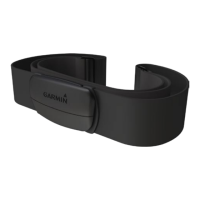
Heart Rate Monitor Instructions EN–3
EN
4. Turn on the Garmin compatible product, and
bring it within range (3 m) of the heart rate
monitor.
NOTE: If the heart rate data is erratic or does not
appear, you may have to tighten the strap on your
chest or warm up for 5–10 minutes.
Pairing the Heart Rate Monitor
Pairing is the connecting of ANT+
™
wireless
sensors, like your heart rate monitor, with a
Garmin compatible product. After you pair the
rst time, your Garmin product automatically
recognizes your heart rate monitor each time it is
activated.
NOTE: The pairing instructions differ for each
Garmin compatible product. See your owner’s
manual.
Linking to Fitness Equipment
ANT+ technology links your heart rate monitor to
tness equipment so you can view
your heart rate on the equipment
console. Look for the ANT+ Link
Here logo on compatible tness
equipment. See www something for more linking
instructions.


 To Next Page