nüLink!QuickStartManual 7
You can select > Save on
this page to save the location to
a Favorites folder on the device.
Use the Favorites folder to save
the location of your workplace,
home, and other common
destinations.
6. If necessary, select an option.
• Select Drive to calculate a
route you will navigate by
driving.
• Select Walk to calculate a
route you will navigate by
walking.
• Select Public Transit to
calculate a route that combines
public transit and walking.
NOTE: You must have
cityXplorer
™
maps loaded to
navigate using public transit.
Go to www.garmin.com to
purchase cityXplorer maps.
7. If necessary, select a route.
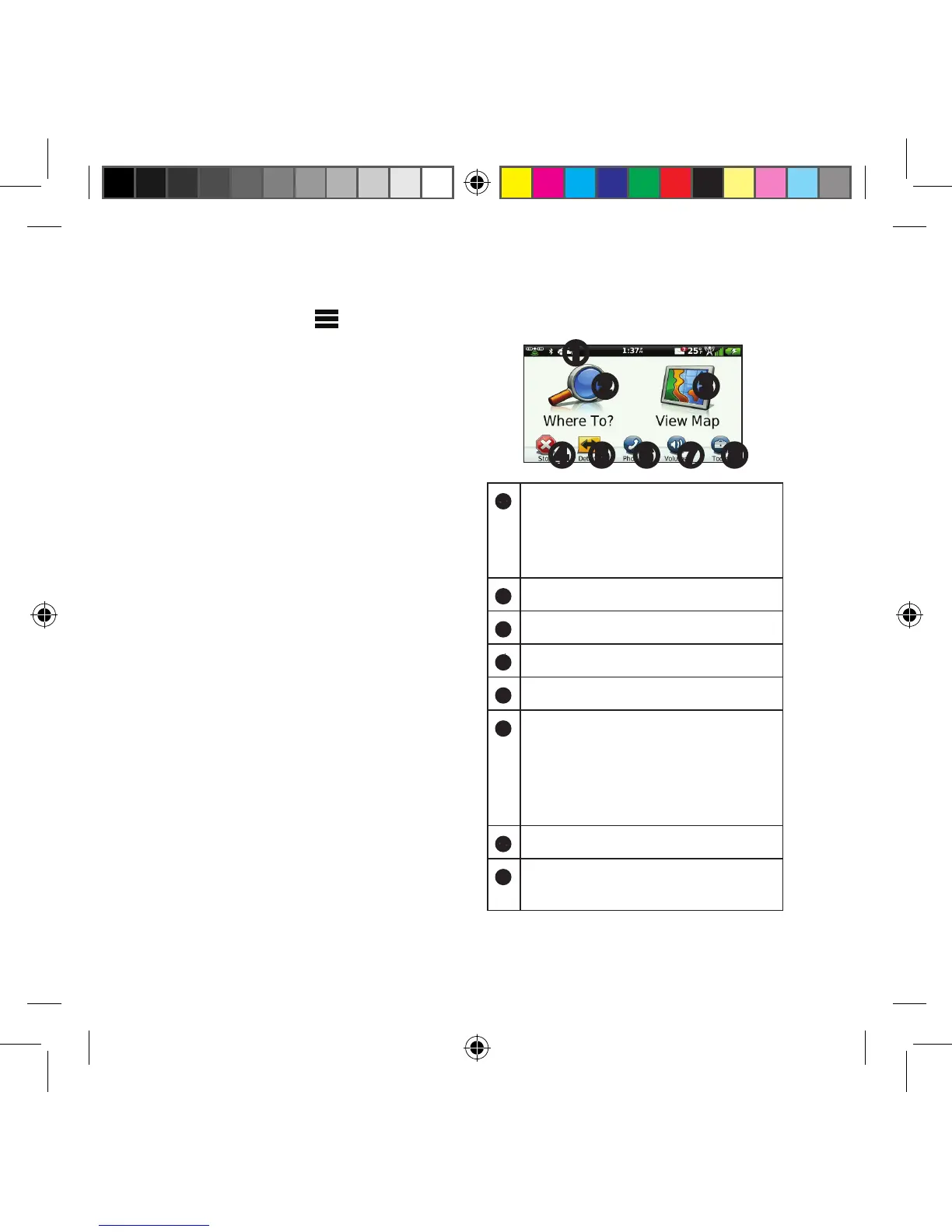
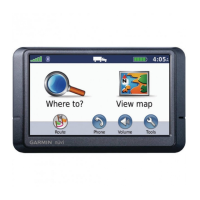
Using the Main Menu
➊
➋ ➌
➍ ➐ ➑➎ ➏
➊
Select to select a transportation
mode.
Routes are calculated differently
based on your transportation mode.
➋
Select to nd a destination.
➌
Select to view the map.
➍
Select to stop a route.
➎
Select to detour a route.
➏
On some models, select to make
a call when connected to a
compatible mobile phone.
See www.garmin.com/bluetooth for
information.
➐
Select to adjust the volume.
➑
Select to open the menu of tools
and settings.
190-01287-01_01.indd 7 12/9/2010 10:27:40 AM



 To Next Page