8 nüLink!QuickStartManual
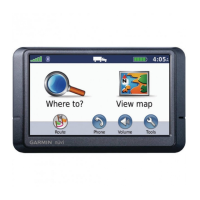
About the Main Menu
Toolbar
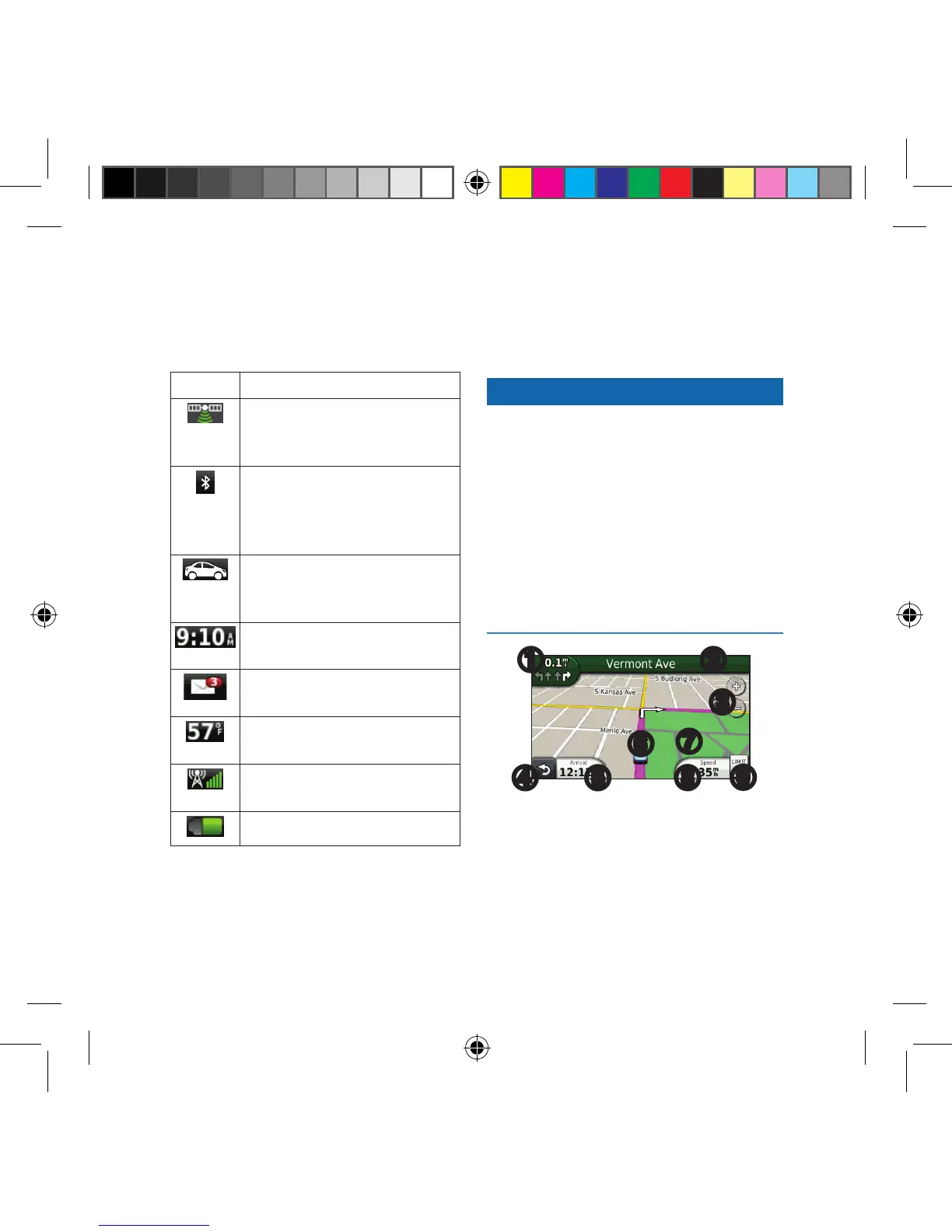
Icon Description
GPS signal status. Select
and hold to view satellite
information.
Bluetooth
®
technology status
(appears when connected to
a compatible device. Select to
change Bluetooth settings).
Transportation mode
indicator. Select to choose a
transportation mode.
Current time. Select to change
time settings.
Select to check myGarmin
™
messages.
Current temperature. Select to
view weather information.
nüLink!
™
services signal
status.
Battery status.
Following Your Route on
the Map
NOTICE
The speed limit icon feature is for
information only and does not replace
the driver’s responsibility to abide
by all posted speed limit signs and to
use safe driving judgment at all times.
Garmin will not be responsible for
any trafc nes or citations that you
may receive for failing to follow all
applicable trafc laws and signs.
➊ ➋
➌
➍ ➎
➏
➐
➑
➒
Your route is marked with a magenta
line on the map. If you depart from
the original route, your device
recalculates the route. A speed limit
190-01287-01_01.indd 8 12/9/2010 10:27:40 AM



 To Next Page