EasyManua.ls Logo

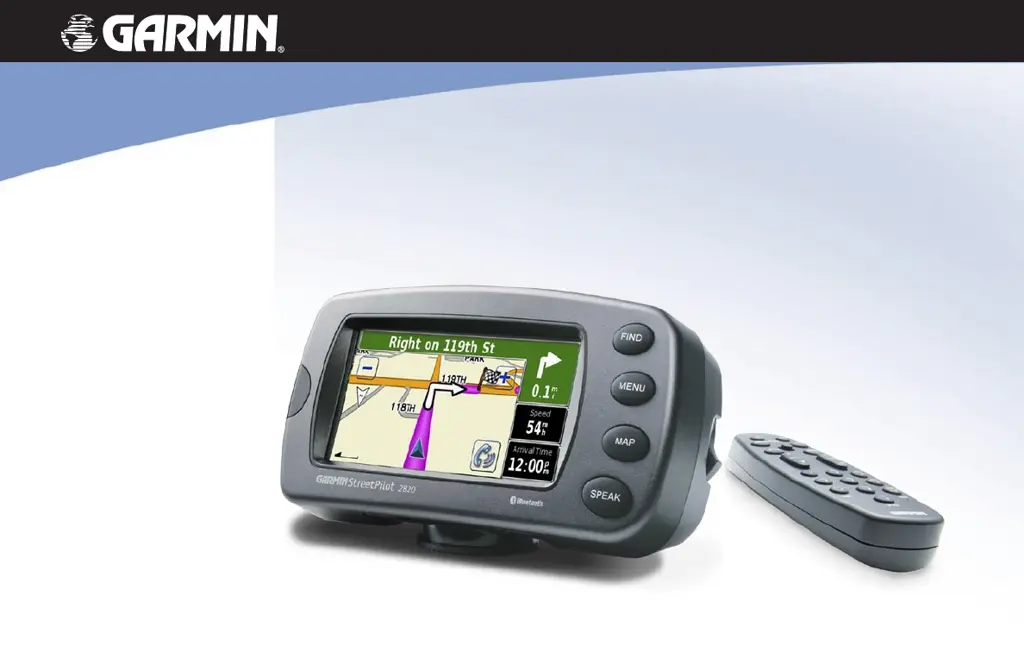
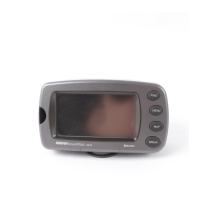
Garmin StreetPilot 2820 - User Manual

Garmin StreetPilot 2820
68 pages
Print Icon
To Next Page IconTo Next Page
Loading...
StreetPilot
®
2820
owner’s manual

Table of Contents

Other manuals for Garmin StreetPilot 2820

Questions and Answers

  • M
    mcneiljamesAug 11, 2025
    What to do if my computer never senses that the Garmin StreetPilot 2820 is connected?
    • L
      Linda PopeAug 11, 2025
      If your computer does not detect your Garmin StreetPilot GPS, try these steps: 1. Unplug the USB cable from your computer. 2. Load the USB drivers to your computer. 3. Plug the USB cable back into your computer and select USB Mass Storage.
  • S
    sherriburnettAug 19, 2025
    What to do if I can't find 'GARMIN' drives in my list of drives for my GPS?
    • J
      Jessica NielsenAug 19, 2025
      If you cannot locate the 'GARMIN' drives, first try unplugging the USB cable, loading the USB drivers onto your computer, and then plugging the USB cable back in, selecting USB Mass Storage. If that doesn't work and you have several network drives mapped, Windows might be having trouble assigning drive letters to your StreetPilot drives; follow the steps on the next page to assign your drive letters.
  • A
    Alisha SmithAug 27, 2025
    What to do if I get an 'Unsafe Removal of Device' message when unplugging my Garmin StreetPilot 2820 USB cable?
    • J
      James HenryAug 27, 2025
      If you receive an 'Unsafe Removal of Device' message when disconnecting your Garmin StreetPilot GPS, safely disconnect it by double-clicking the Unplug or Eject icon in your system tray. Then, select “USB Mass Storage Device”, click Stop, select the StreetPilot drives, and click OK before unplugging your device.
  • E
    Edward MillerSep 3, 2025
    How to know if my Garmin StreetPilot 2820 StreetPilot is in USB Mass Storage Mode?
    • K
      Kim JacksonSep 3, 2025
      You'll know your Garmin StreetPilot GPS is in USB Mass Storage Mode when you see a picture of a StreetPilot connected to a computer on the device's screen. Also, your computer should display a new Removable Disk Drive in My Computer.

Garmin StreetPilot 2820 Specifications

General IconGeneral
Display Resolution480 x 272 pixels
BatteryRechargeable lithium-ion
Battery LifeUp to 8 hours
WaterproofNo
High-Sensitivity ReceiverYes
Voice PromptsYes
Maps Includedyes
Custom POIsYes
MP3 Playeryes
Audio Book PlayerNo
FM TransmitterNo
Bluetoothyes
ProcessorUnknown
MemoryUnknown
Display TypeTFT
Map CoverageNorth America
Accepts Data CardsYes
Traffic ReceiverYes
GPS ReceiverHigh-sensitivity GPS

Related product manuals