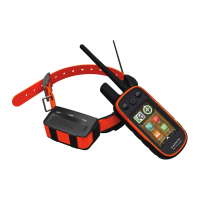
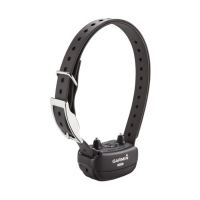
Replacing the Dog Collar VHF Antenna
Before you replace the VHF antenna, you must remove all dirt, water, and debris from the dog collar device. You
must also have a small Phillips (#2) screwdriver.
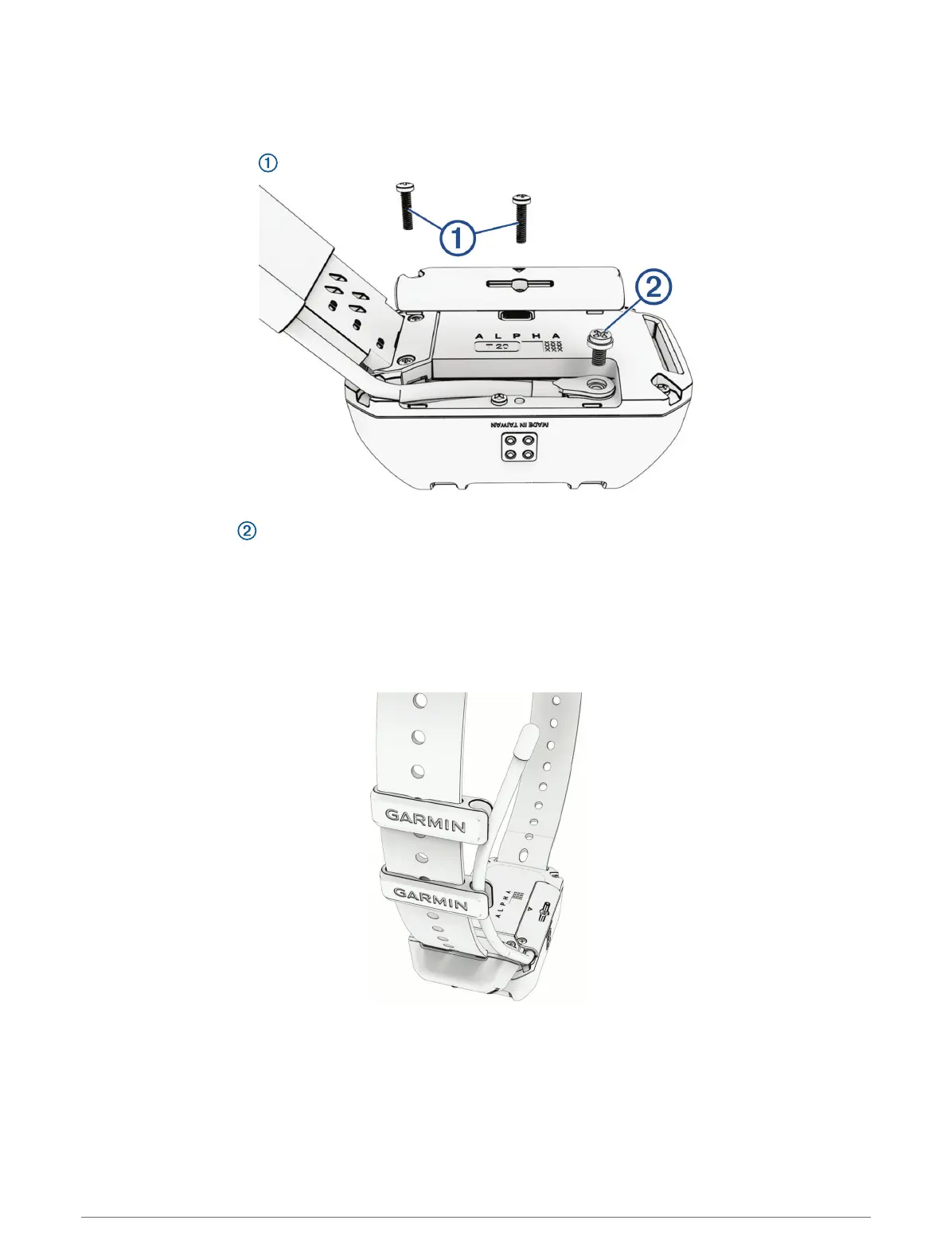
1 Remove the 2 screws from the cover over the VHF antenna.
2 Remove the VHF antenna cover.
3 Remove the screw securing the VHF antenna to the back plate.
4 Pull the length of the antenna from the antenna guide to remove the old antenna.
5 Thread the new VHF antenna through the antenna guide.
6 Replace the screw securing the VHF antenna to the back plate.
7 Replace the cover over the VHF antenna.
8 Replace and tighten the 2 screws securing the VHF antenna cover.
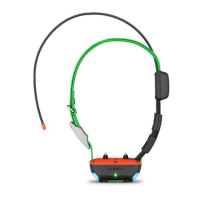
9 Secure the antenna with additional antenna clips (optional).
Appendix 9


 To Next Page