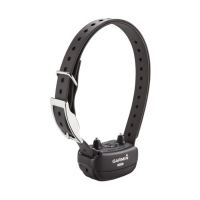
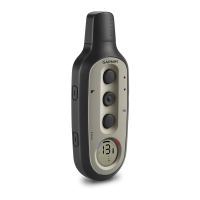
Checking the Bark Odometer
1
Remove the device from the dog.
2
Position the device so that you can
see the status LED.
3
Hold the power key until the status
LED turns red, and release.
4
Count the red and green flashes.
Using the Light
You can use the light feature on your
device to verify pairing, help locate your
dog, and provide safety for your dog at
night.
1
Select a dog collar device (page 6).
2
Rotate the intensity dial to L.
3
Select the training key.
Device Information
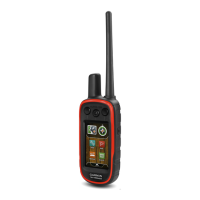
Pro 70 Handheld Device
Specifications
Battery type Rechargeable,
replaceable lithium-
ion
Battery life 60 hours typical use
Operating
temperature range
From -4° to 140°F
(from -20° to 60°C)
Charging temperature
range
From 32° to 104°F
(from 0° to 40°C)
Storage temperature
range (less than 1
month)
From -4° to 122°F
(from -20° to 50°C)
Storage temperature
range (less than 3
months)
From -4° to 104°F
(from -20° to 40°C)
Storage temperature
range (less than 1
year)
From -4° to 68°F
(from -20° to 20°C)
Water rating IEC 60529 IPX7*
Wireless range 1 mi. (1.6 km)
*The device withstands incidental
exposure to water of up to 1 meter for up
to 30 minutes.
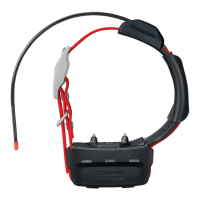
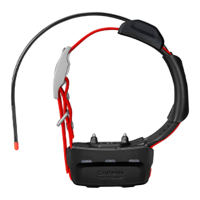
Pro 70 Dog Collar Device
Specifications
Battery type Rechargeable,
replaceable lithium-ion
Battery life 60 hours typical use
Operating
temperature range
From -4° to 140°F (from
-20° to 60°C)
10


 To Next Page