Charging
temperature range
From 32° to 104°F (from
0° to 40°C)
Storage
temperature range
(up to 1 month)
From -4° to 122°F (from
-20° to 50°C)
Storage
temperature range
(up to 3 months)
From -4° to 95°F (from
-20° to 35°C)
Water rating 1 ATM*
*The device withstands pressure
equivalent to a depth of 10 meters.
Checking the Battery Level
Turn on the dog collar device
(page 5).
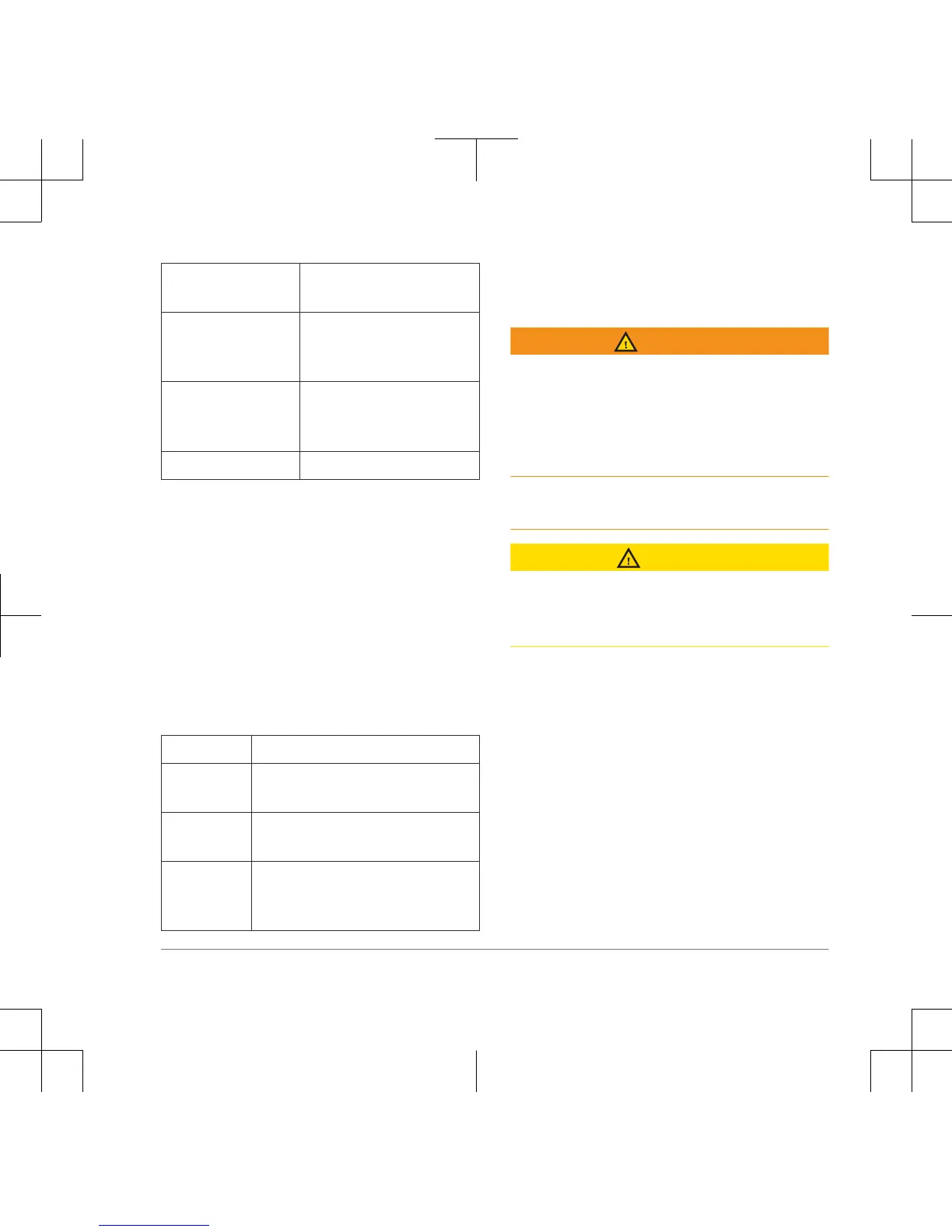
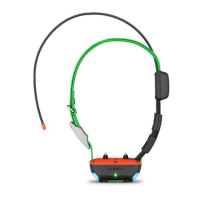
The status LED flashes every few
seconds while the device is on. The color
of the status LED indicates the battery
charge level.
Green The battery has a good charge.
Yellow The battery should be charged
soon.
Red The battery is very low and
should be charged immediately.
Flashing
Red
The battery is depleted and
must be charged. Training
features are disabled.
Pro 70 Battery Replacement
Instructions
WARNING
This product contains a lithium-ion
battery. To prevent the possibility of
personal injury or product damage caused
by battery exposure to extreme heat,
store the device out of direct sunlight.
Do not use a sharp object to remove
batteries.
CAUTION
Contact your local waste disposal
department to properly recycle the
batteries.
11


 To Next Page