2
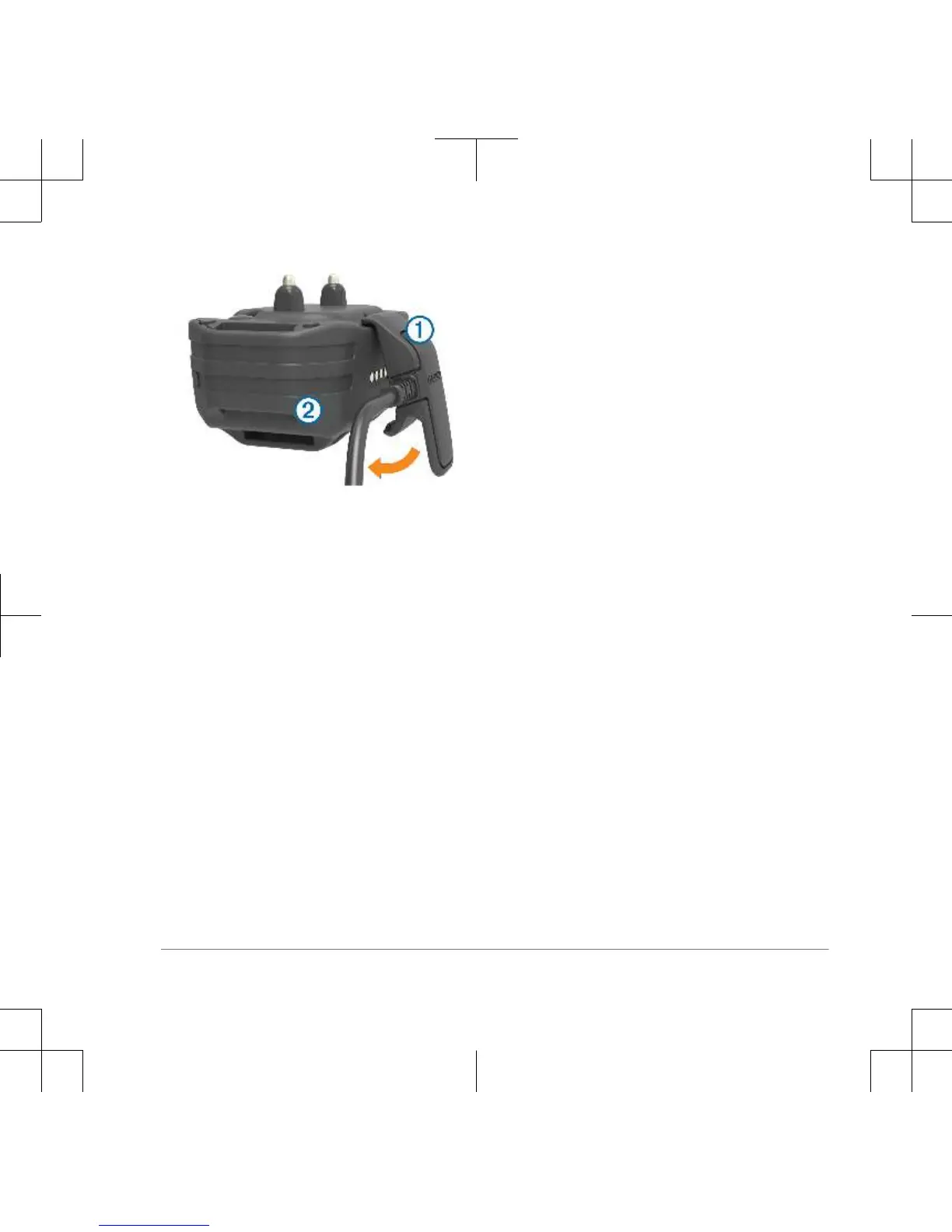
Plug the power cable into a power
source.
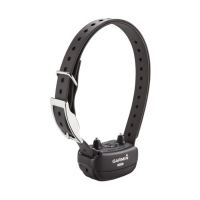
The status LED is solid red when the
collar is charging.
3
After the status LED turns solid green,
remove the charging clip from the
collar.
Turning On the Dog Collar Device
• On the dog collar device, hold the
power key until the status LED turns
green and the collar beeps to turn it
on in training mode.
• On the dog collar device, hold the
power key until the status LED turns
blue to turn on the BarkLimiter™
feature (page 9).
• On the dog collar device, hold the
power key until the status LED turns
yellow to enter pairing mode
(page 5).
Turning Off the Device
1
On the dog collar device, hold the
power key until the red LED appears.
2
Release the power key.
The dog collar device beeps to
confirm powering off.
NOTE: If the device is powered off in
BarkLimiter mode, the LED flashes
the number of corrected barks before
powering off (page 10).
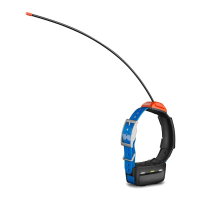
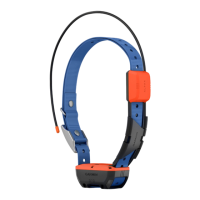
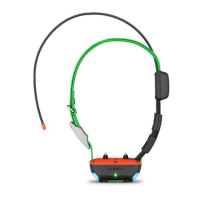
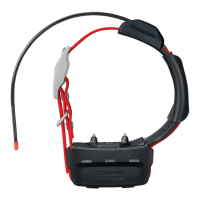
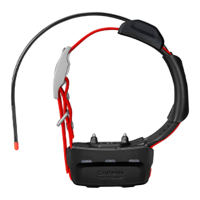
Dog Collar Device
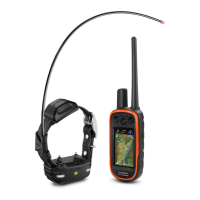
You can use up to 6 dog collar devices
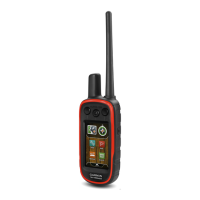
with a single handheld device.
Each dog collar device must be paired
with the handheld device before it can be
used. During the pairing process, each
dog collar device is associated with a
different color on the handheld device.
Pairing a Dog Collar Device with the
Handheld Device
NOTE: If your handheld device and dog
collar device were included in the same
5


 To Next Page