Getting started
WARNING
See the Important safety and product information guide in the product box for product warnings and other
important information.
1 Connect to a Wi‑Fi
®
network (Connecting to a Wi‑Fi Network, page50)(optional).
2 Pair your Bluetooth
®
phone and headset (Pairing with Your Smartphone, page29) (optional).
3 Update the maps and software on your device (Product updates, page50).
4 Acquire GPS signals (Acquiring GPS signals, page2).
5 Mount the device and connect it to power (Installation, page4).
6 Adjust the screen brightness (Adjusting the screen brightness, page3).
7 Navigate to your destination (Starting a route, page11).
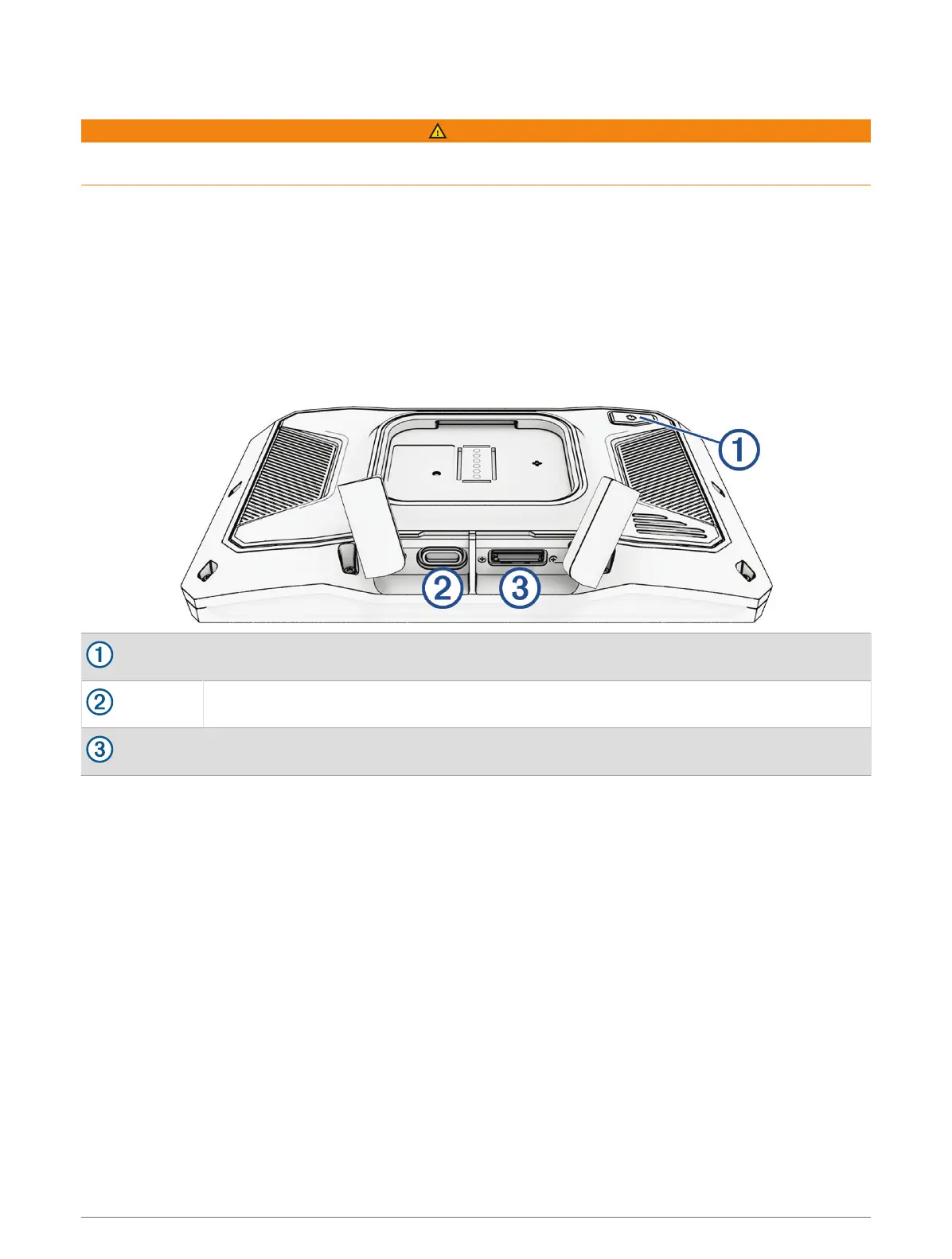
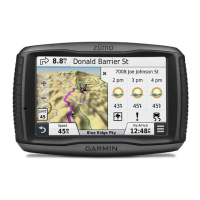
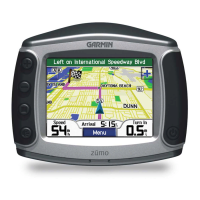
Device Overview
Power button
USB power and data port
microSD
®
memory card slot
Turning the device on or off
• To turn the device on, press the power button or connect the device to power.
• To put the device in power saving mode, press the power button while the device is on.
While in power saving mode, the screen is off and the device uses very little power, but it can wake instantly
for use.
TIP: you can charge your device faster by putting it in power saving mode while charging the battery.
• To turn off the device completely, hold the power button until a prompt appears on the screen and select Off.
The prompt appears after five seconds. If you release the power button before the prompt appears, the
device enters power saving mode.
Getting started 1


 To Next Page