Adjusting the volume
1 Select .
2 Select an option:
• Use the slider bar to adjust the volume.
• Select to mute the device.
• Select a tick box to enable or disable additional sound options.
Using the audio mixer
You can use the audio mixer to set the volume levels for different audio types, such as navigation prompts or
phone calls. The level for each audio type is a percentage of the master volume.
1 Select .
2 Select Audio Mixer.
3 Use the sliders to adjust the volume for each audio type.
Adjusting the screen brightness
1 Select > Display > Brightness.
2 Use the slider bar to adjust the brightness.
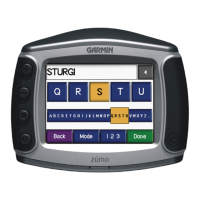
Changing the Keyboard
Before you can change the keyboard language or layout, you must enable a keyboard language or layout in the
system settings (System Settings, page48).
• Select to switch to a different keyboard language or layout.
• Select or to view more characters.
Getting started 3


 To Next Page