Page 8
Hard Drive Destruction
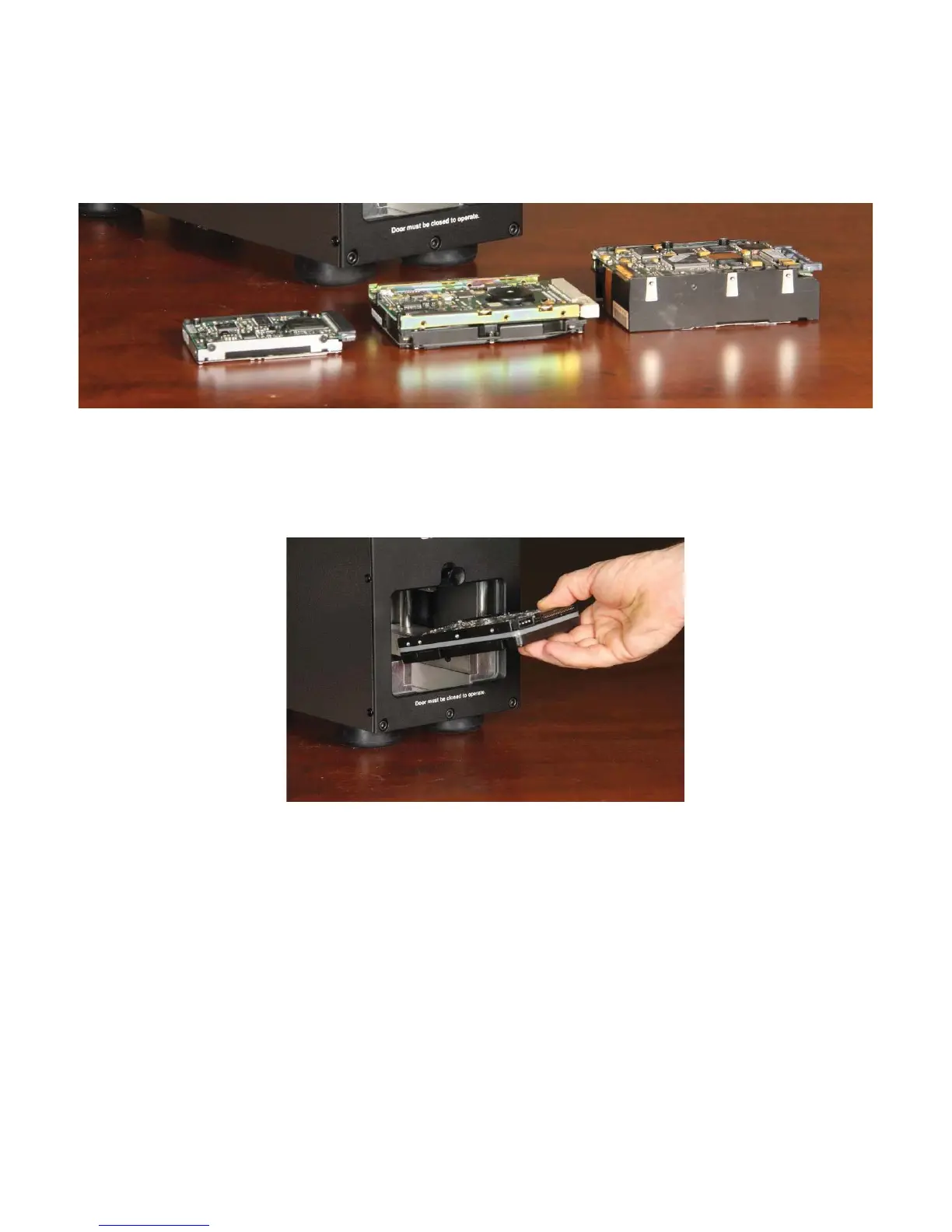
The PD-5 is designed to destroy many different formats of hard drives including: laptop drives, standard 1” drives,
and 1.5” drives.
To destroy hard drives:
1) Press Power button.
2) Remove mounting hardware from hard drive that would cause the media door not to close.
3) Lift door, and insert hard drive into PD-5.
4) Close door and press the “Destroy” button to activate destruction cycle.
5) Open Door and remove the crushed hard drive(s).


 To Next Page