Page 10
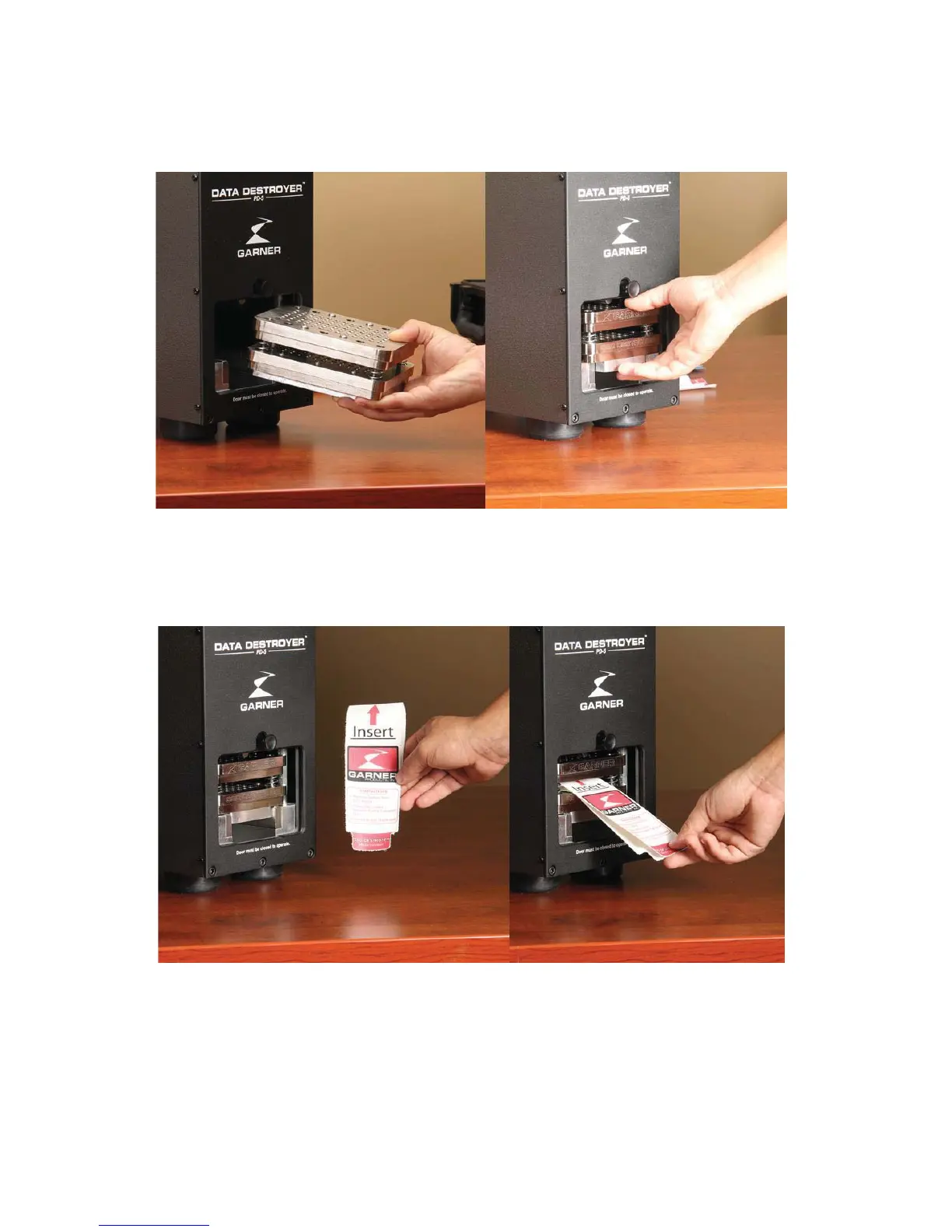
Sold State Drive Destruction Using the Optional SSD-1
1) Lift door, and insert SSD-1 solid state destroyer into PD-5
2) Place SSD’s, USB drives, compact flash disks, cameras, hard drive controller boards and cell phones
(R
) in between the panels of the SSD Media Transport Sleeve and slide
the sleeve into the opening within the SSD Destroyer.
3) Close the door and press the “Destroy” button. The PD-5 and the SSD Destroyer will destroy the
media and return to home position to be ready to destroy the next piece of media.


 To Next Page