Page 14
Cleaning the Air Filters
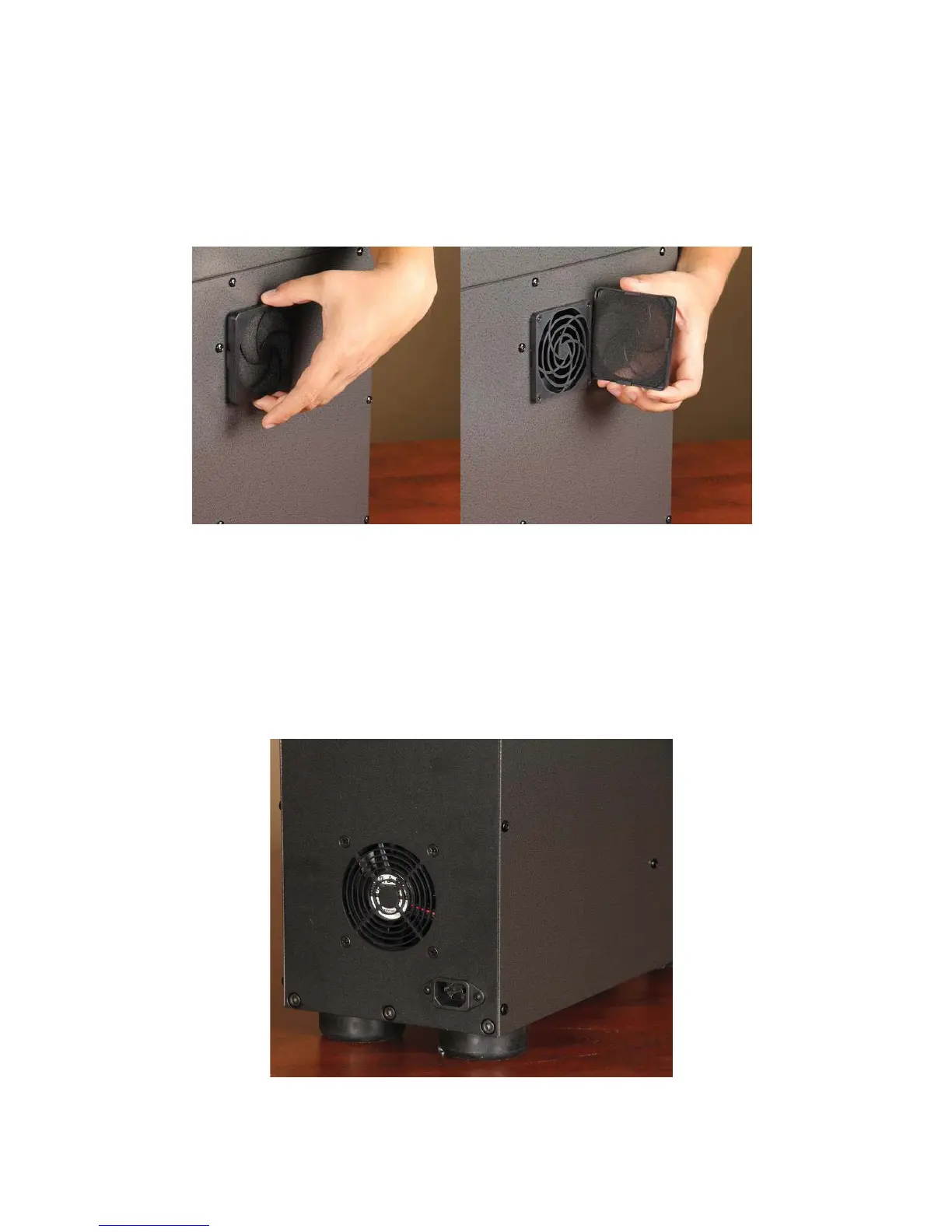
Remove the side air filter housing by hand and clean any major debris off foam filter. Use canned-air to blast any
dust or debris from filter. Replace foam filter in plastic housing and firmly reattach to side panel by ensuring all 4
plastic tabs securely latch to adjacent filter frame.
Inspecting/Cleaning Exhaust Exit Fan
Inspect the rear panel of the PD-5 to ensure exit fan is free of dust and debris. If any dust or debris is found,
clean/remove it from fan assembly.


 To Next Page