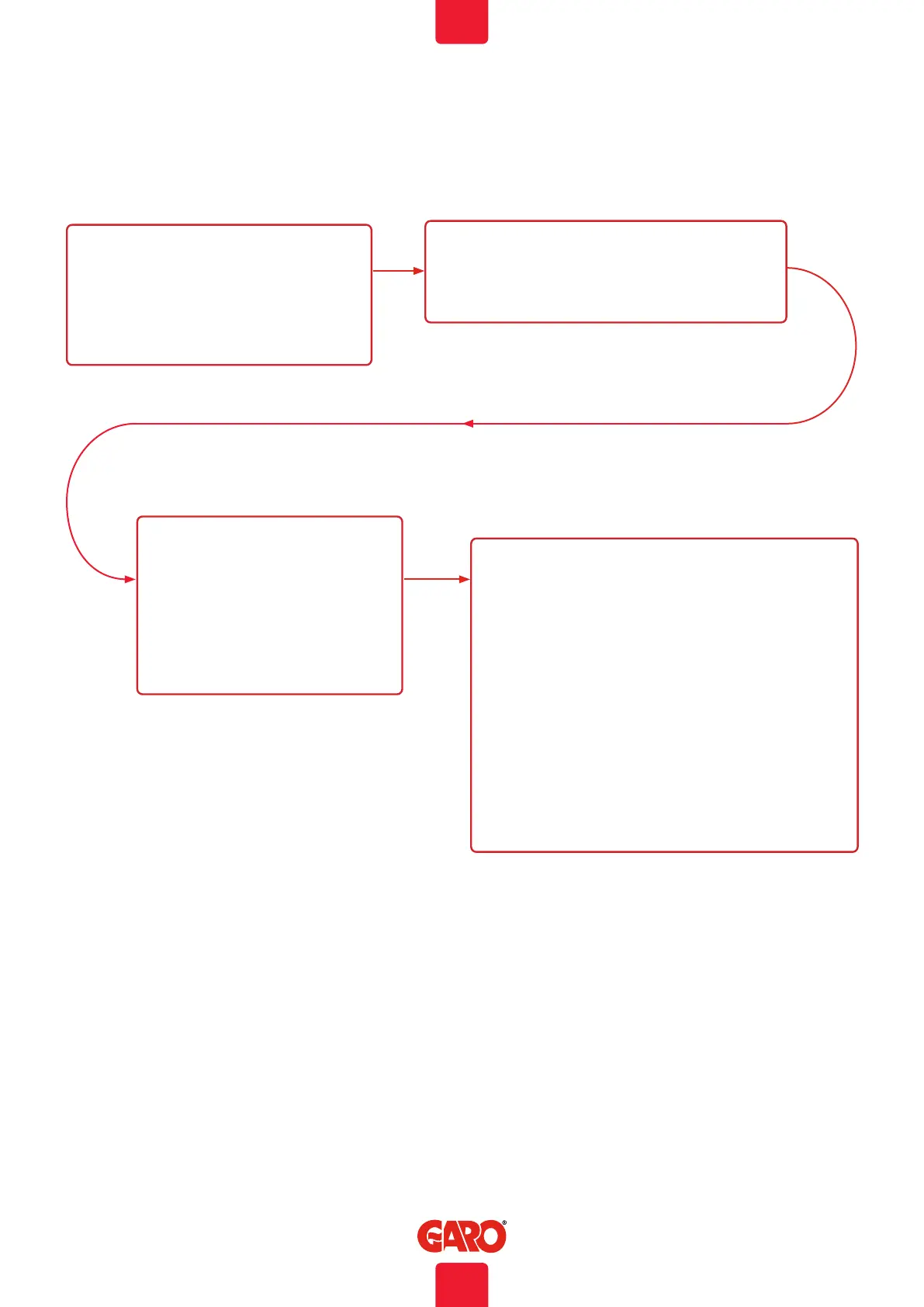
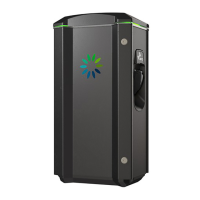
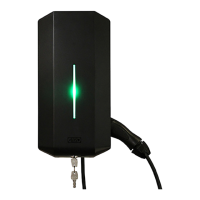
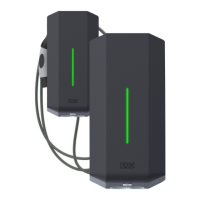
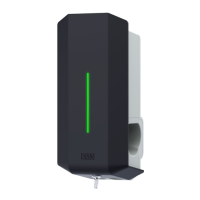
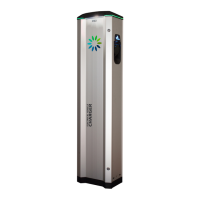
Workingflow RFID with multiple wallboxes
We recommend that you clean the TWIN Wallbox with a soft,
dry cloth. Never use detergent.
Exercize the RCCBs every 6th month. See section “Resetting/
Conditioning of RCCB”
Care
1. NAME WALLBOXES
• Settings -> Software Updates / Identification
• Connected wallboxes –
• Refresh
• All connected wallboxes are shown in a list
2. IDENTIFY
• Click Identify to find each wallbox. Clicked wallbox
starts to blink with white light.
• Click the serialnumber – Edit and
name the wallbox according to your
preferences. Note, space is not
allowed.
• Repeat step 2 and 3 until all
wallboxes have a name
4. RFID SETTING
• Settings > RFID (Option)
• Click ”Activate RFID check box
• Add new tag
• Click read tag from wallbox and hold the tag infront of the
ticking RFID reader (Masterbox, left side on Twin).
• RFID number shows in the screeen.
• Add reference to the tag.
• Add ´specific wallbox or all wallboxes in the list. At this
step, it helps if each wallbox has a name instead of just a
serialnumber.
• Click Save.
• Repeat step 4 until all tags are registred.
Web interface
3.
41
EN


 To Next Page