Selecting DHW heating
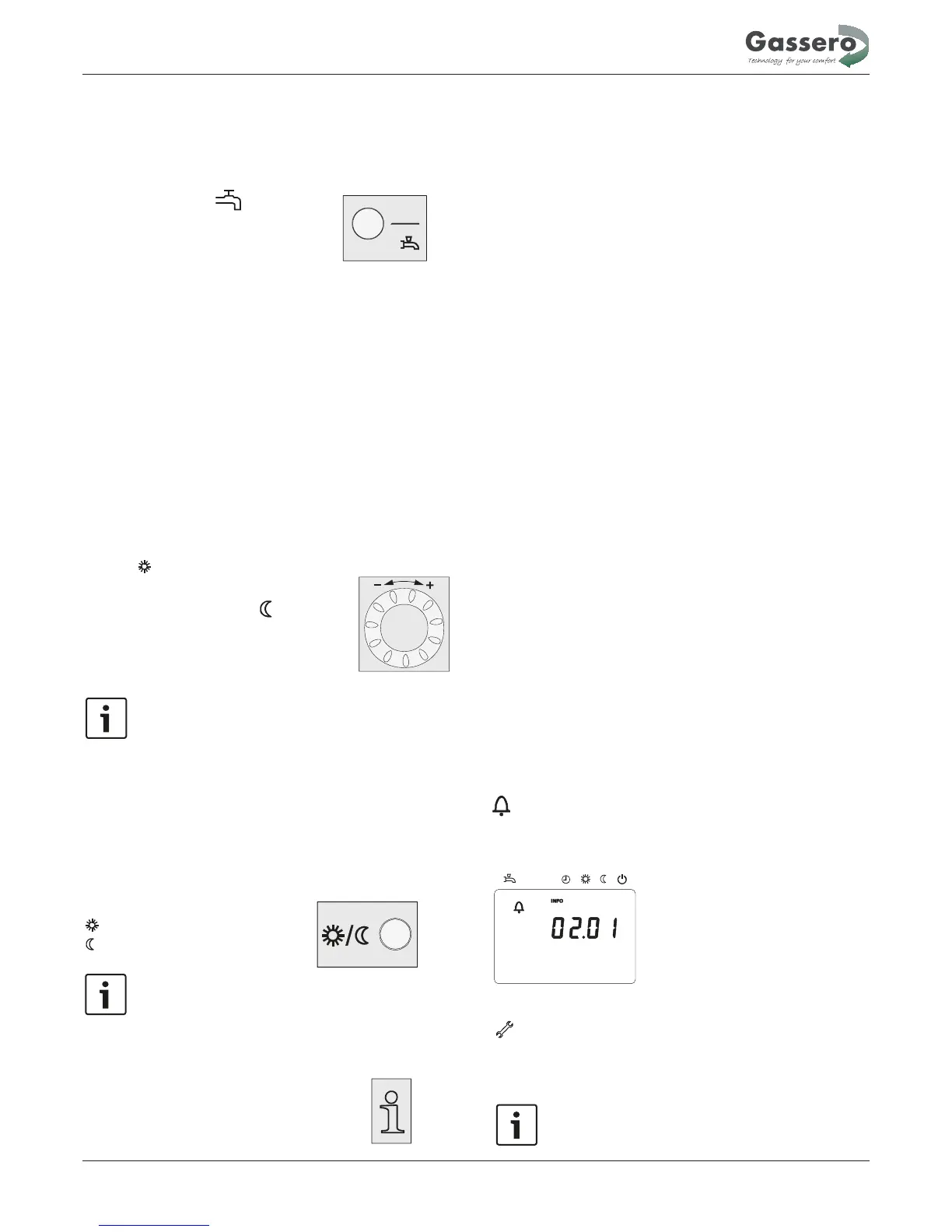
The button is used to switch DHW heating mode on and off.
The choice made is indicated by a bar which appears below
DHW heating mode
•
On
The DHW is heated according to the selected switching
•
Off
No DHW heating, but the protective function is active.
DHW push
To do this, keep the DHW operating mode button on the
operator or room unit depressed for at least 3 seconds.
The DHW push can also be started when:
• The operating mode is “Off“
• Operating mode changeover acts via H1 or centrally
• All heating circuits have assumed the holiday mode
the symbols.
program.
Adjusting the room temperature setpoint
Turn the setting knob to increase or decrease the
Comfort
setpoint
.
For the Reduced setpoint
−
Press the OK button
− Select operating page “Heating circuit“ and
− Adjust the “Reduced“ setpoint
Each time you make a readjustment, wait at least 2
hours, allowing the room temperature to adapt.
Presence button
If the rooms are not used for a certain period of time, you can
press the occupancy button to reduce the room temperature,
thus saving heating energy.
When the rooms are occupied again, press again the occupancy
button to resume heating operation.
Heating to the Comfort setpoint
Heating to the Reduced setpoint
•
The occupancy button is only active in
• The current selection is active until the next switching
action according to the heating program occurs.
automatic operation
Displaying information
The Info button is used to display information.
Certain information lines are hidden, depending on the type of
unit, unit configuration and operating state.
Depending on the type of unit, configuration and operating
state, some of the info lines listed below may not appear.
Displays:
- Possible error messages from the error code are listed in the
- Possible maintenance alarms from the maintenance code are
- Possible special mode messages
Other displays:
− Room temperature
− State DHW
− Room temperature minimum
− State boiler
− Room temperature maximum
− State solar
− Boiler temp
− State solid fuel boiler
− Outside temperature
− State buffer storage tank
− Outside temp min
− Date and time of day
− Outside temp max
− Telephone customer service
− DHW temp 1
− State heating circuit 1
− State heating circuit 2
− State heating circuit P
In exceptional cases, display shows one of the following
Error messages
If this symbol appears, a plant fault occurred. In that case,
press the Info button to obtain more information.
Text3 Text4
0
4 8 12 16 20 24
AUTO
30:Flow sensor 1
Error
Maintenance or special mode
If this symbol appears, a maintenance alarm is delivered
or the plant has changed to special mode. In that case,
press the Info button to obtain more information.
Available information
Possible displays:
Exceptional cases
manual.
isted in the manual.
symbols.
A list of possible displays is given in the manual.
Operation
27


 To Next Page