43
Replacing the LCD panel assembly
www.gateway.com
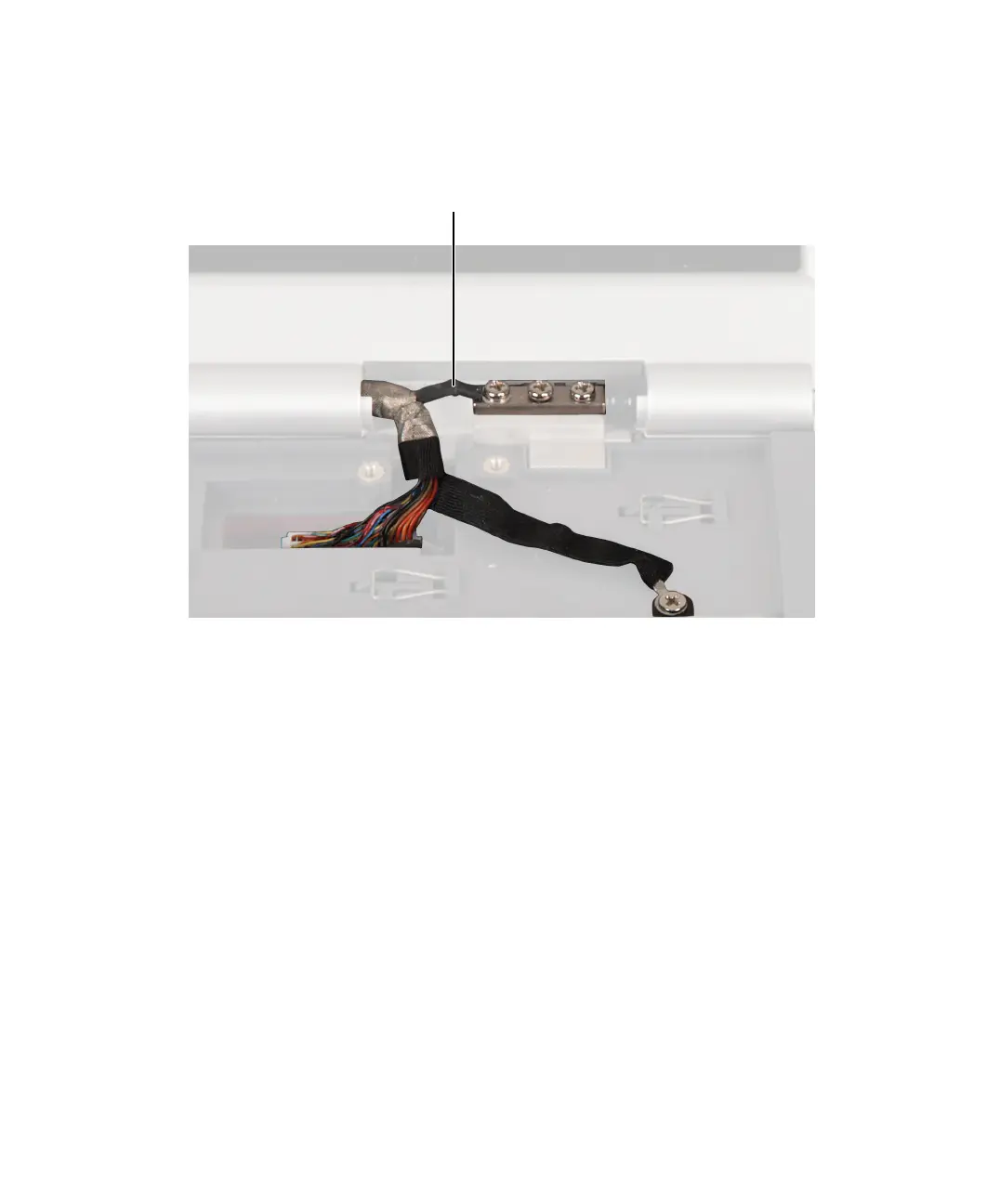
13 Place the new LCD panel assembly onto the notebook, then replace the
four (or six, depending on screen size) hinge screws. Make sure that you
connect the LCD panel’s ground cable to the left screw of the right hinge.
14 Plug the LCD video cable into the notebook.
LCD panel ground cable



 To Next Page