Replacing convertible notebook components
44
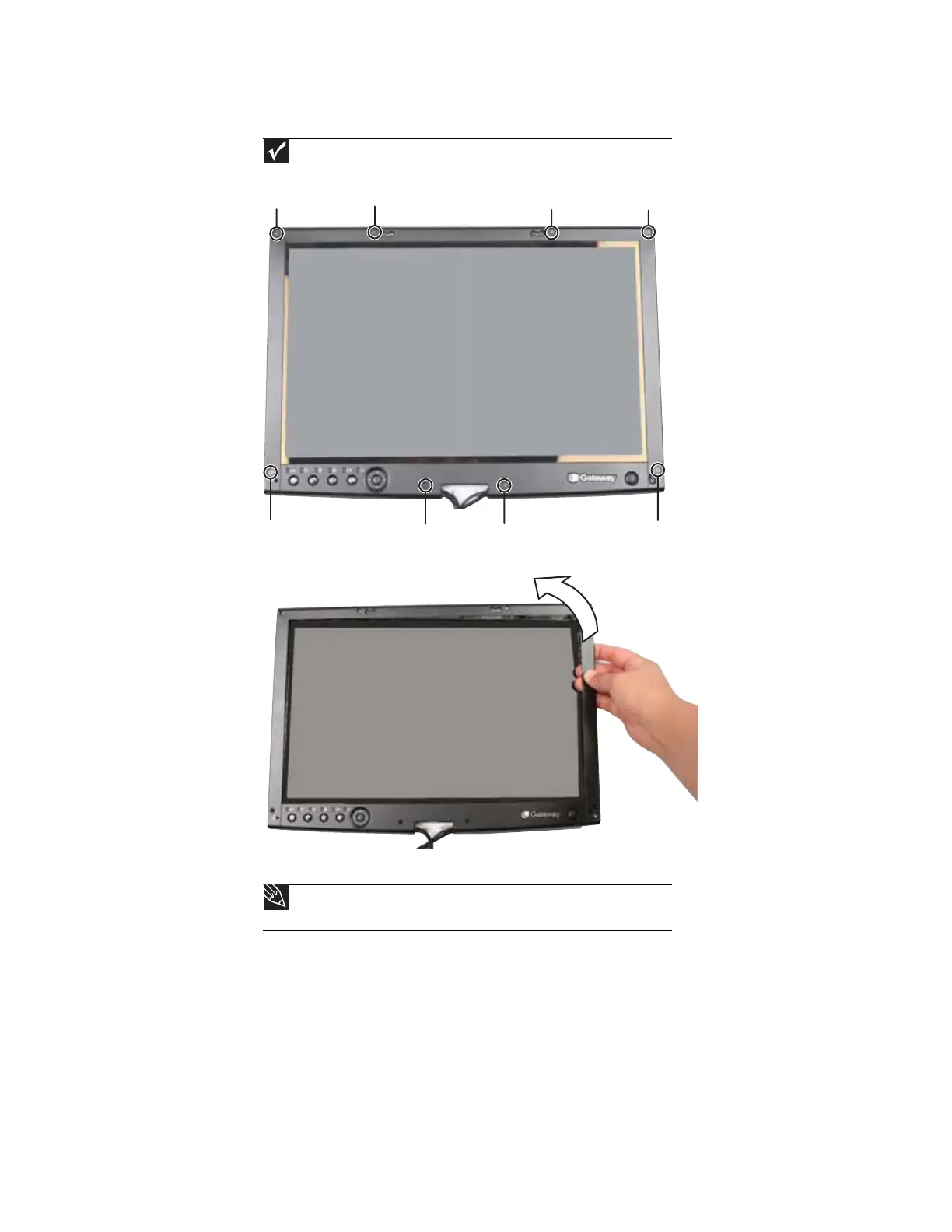
8 Remove the screws from the front of the LCD panel assembly.
9 Carefully separate the front and back of the LCD panel assembly.
10 Carefully pull the wiring out of the hinge.
Important
The number of screws varies by convertible notebook model.
Tip
Start by pulling the wire that has the smallest connector out of the hinge. Then
proceed to the wire that has the next biggest connector and so on.
Screw Screw Screw Screw
Screw Screw Screw
Screw









 To Next Page