Help and Support
www.gateway.com
5
To view a list of your search results, click the results header for the type of results
you want to view.
To view a topic, click the topic name in the Search Results list.
Getting help in Media Center
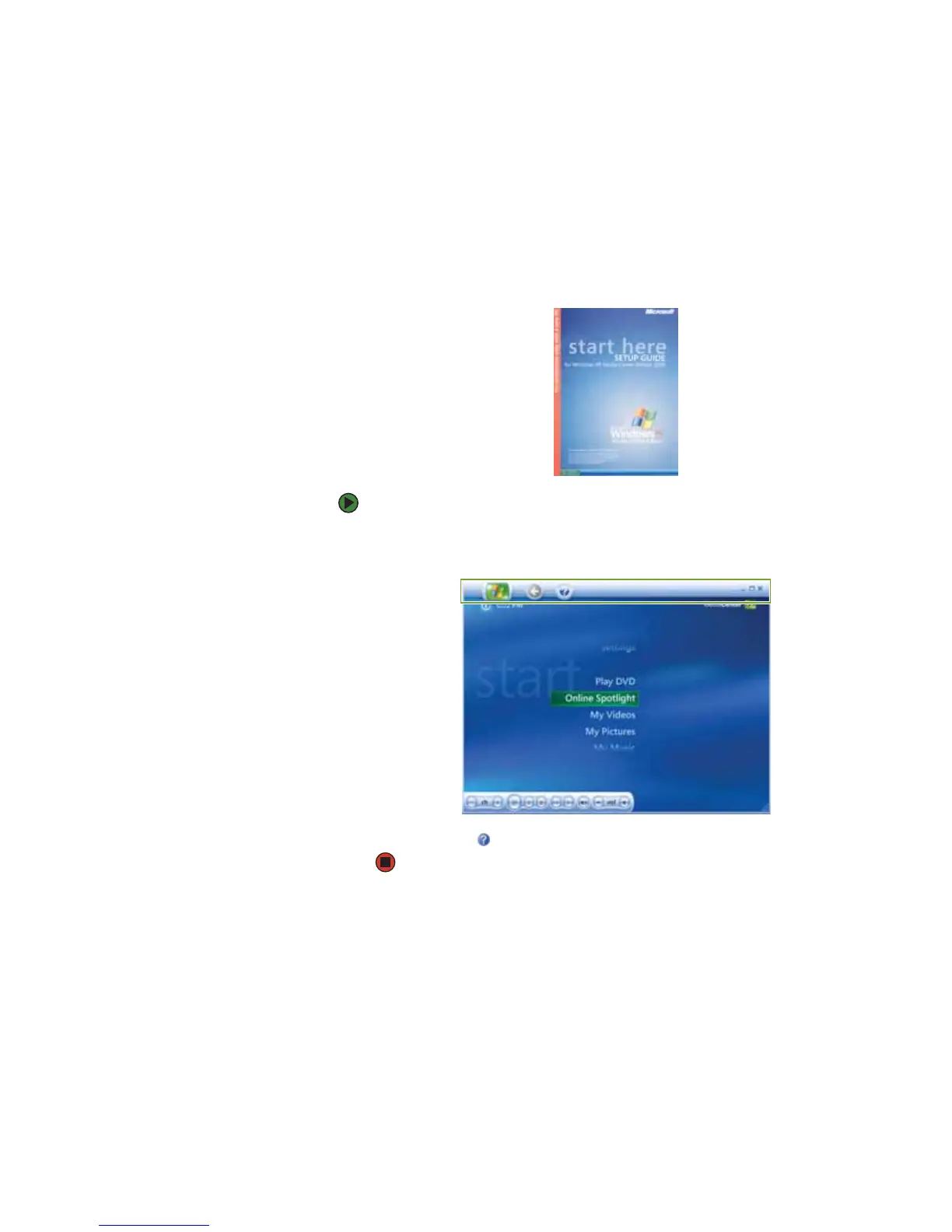
If your notebook has Windows XP Media Center Edition, you can access online
help or refer to the printed Windows XP Media Center Edition Guide.
To access Media Center help:
1 In the Media Center window, move the mouse to activate the Media Center
tool bar. The tool bar appears at the top of the window.
2 Click the Help icon in the tool bar.



 To Next Page