CHAPTER 7: Using Multimedia www.gateway.com
64
Playing music and movies
Playing WAV audio files
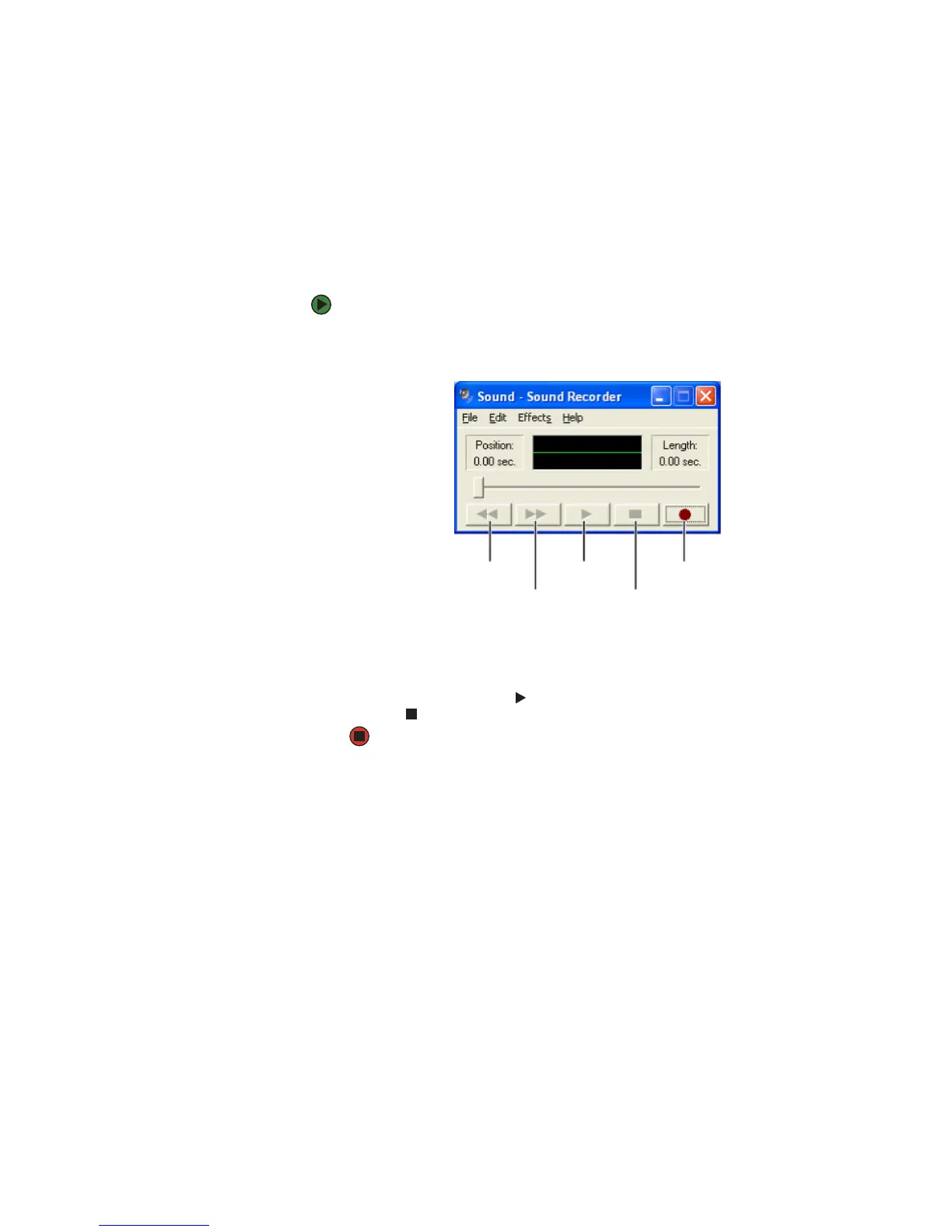
Sound Recorder is a simple Windows program that lets you record and play WAV
files. WAV is the most common audio file format used for your Windows system
sounds.
To play a WAV audio file Sound Recorder:
1 Click Start, All Programs, Accessories, Entertainment, then click Sound
Recorder. The Sound Recorder opens.
2 Click File, then click Open. The Open dialog box opens.
3 Click the file you want to play, then click Open.
4 Play the file by clicking (play), then stop playing the file by
clicking (stop).
Rewind
Fast Forward
Play
Stop
Record



 To Next Page