20
HANDSET DE-REGISTRATION
This setting may be made with the handset only. Deregistration cancels a
handset’s registration. If you do not know a handset’s name, you should
deregister the handset according to the steps below. During the de-
registration process, keep the handset near the base.
WARNING: It is not recommended that a handset be de-registered unless
absolutely necessary because once a handset is de-registered, that handset's
telephone features cannot be used until the handset is re-registered.
Make sure your handset is in menu mode. Make sure your phone is OFF
(not in TALK mode).
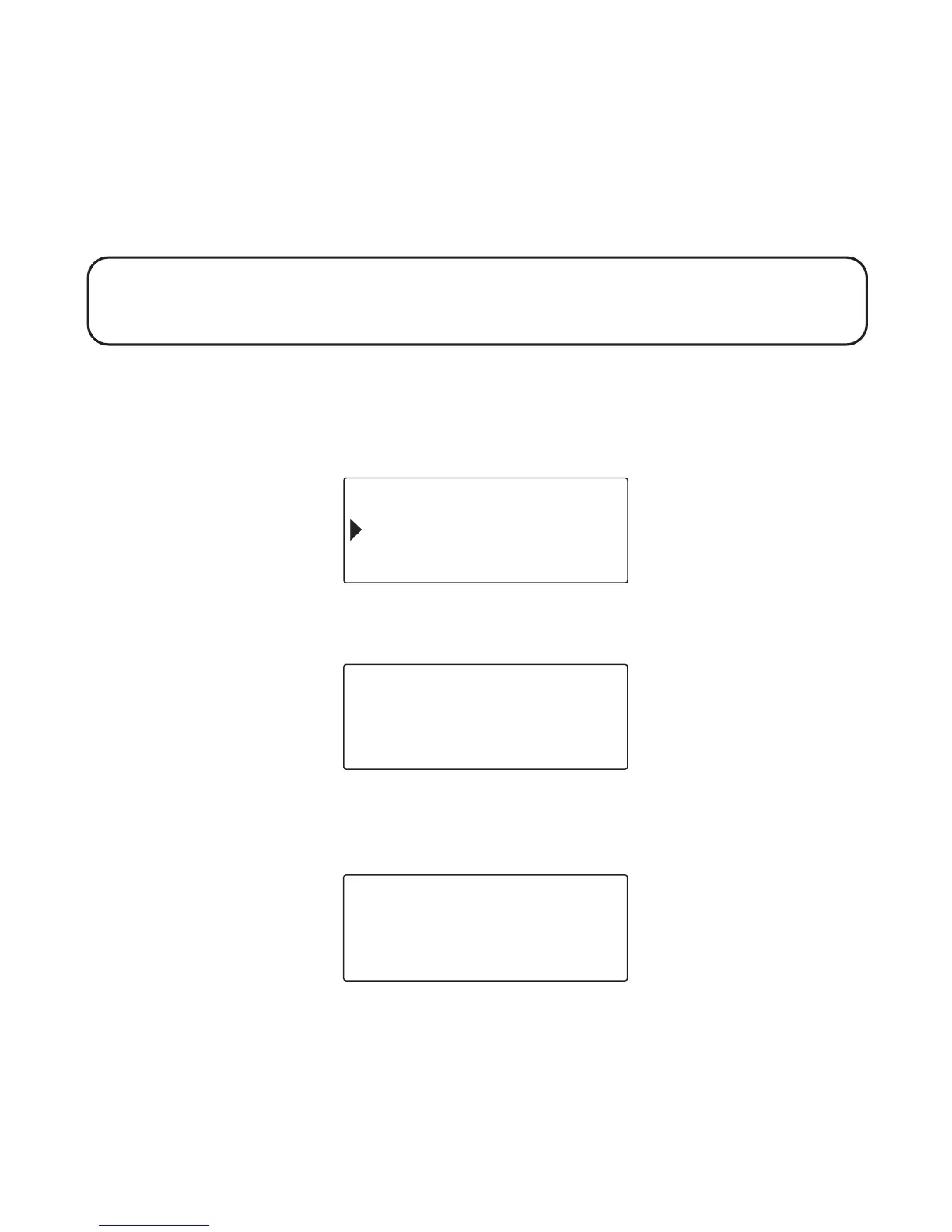
1. Press the cid/vol ( or ) button to scroll to
DEREGISTRATION
.
2. Press the OK soft key and
DE-REGISTER HANDSET?
shows in the display.
3. Press the OK soft key to de-register the handset, and
MOVE NEAR TO
BASE
displays until the handset is moved closer to the base.
WALKIE TALKIE
OK EXIT
DEREGISTRATION
DE - REGISTER
HANDSET 1 ?
OK EXIT
MOVE NEAR TO
BASE
EXIT



 To Next Page