53
NOTE: If you want to re-enter the security code, enter the numbers again and
press the OK soft key. The new numbers will replace the old numbers.
5. Press the EXIT soft key to keep the current security code and return to
the answerer setup menu.
6. Press the OK soft key, and you will hear a confirmation tone. The new
security code shows in the display.
DEFAULT SETTINGS
If you prefer to use the system’s original settings, follow the steps below to
return the answering system to the factory default settings.
1. Make sure your base is in the answerer setup mode.
2. Use the CID/messages ( or ) button to scroll to
DEFAULT SETTING
.
3. Press the OK soft key and
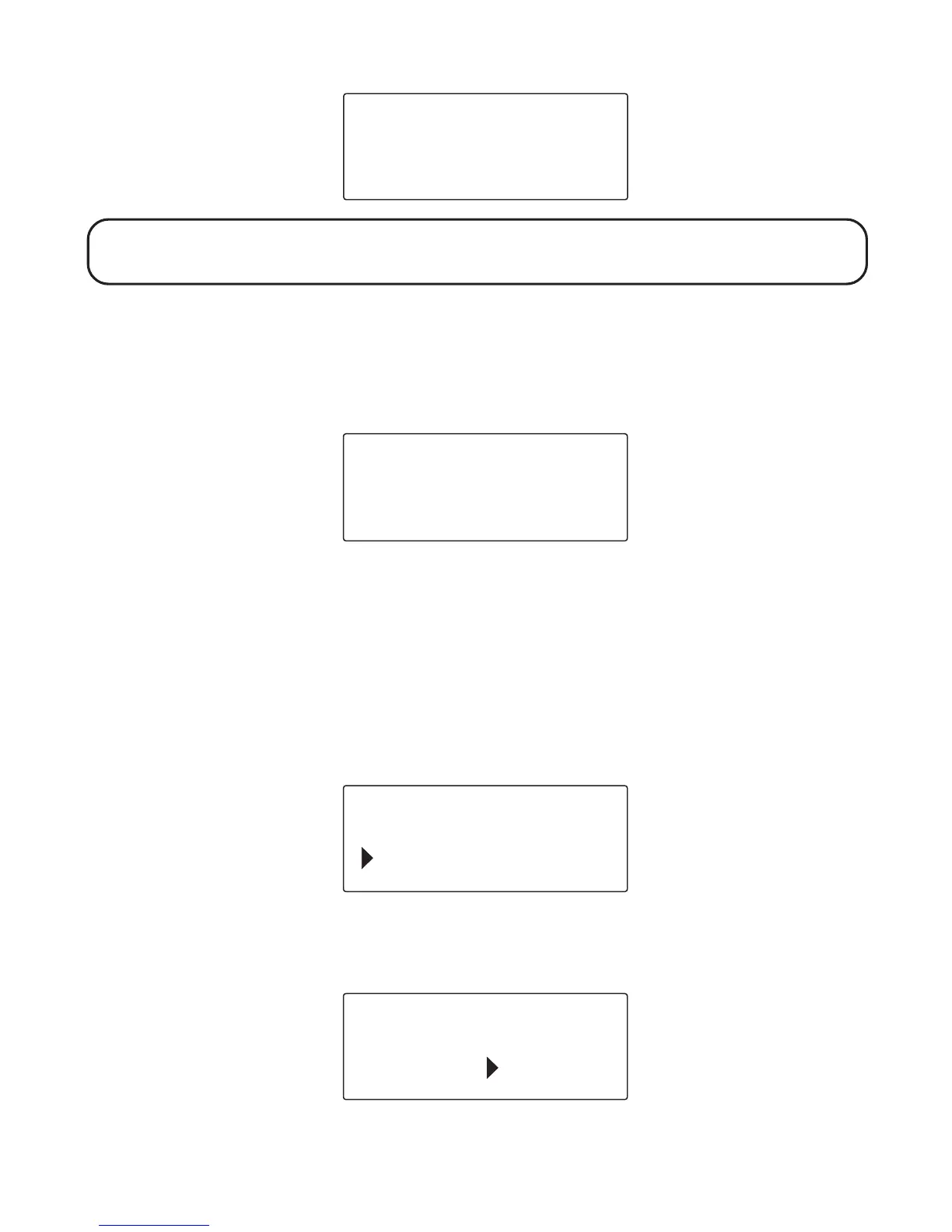
DEFAULT SETTING 1YES 2NO
shows in
the display.
EXIT
OK
SECURITY CODE
628
SECURITY CODE
628
EXIT
OK
SECURITY CODE
DEFAULT SETTING
EXIT
OK
DEFAULT SETTING
1YES 2NO



 To Next Page